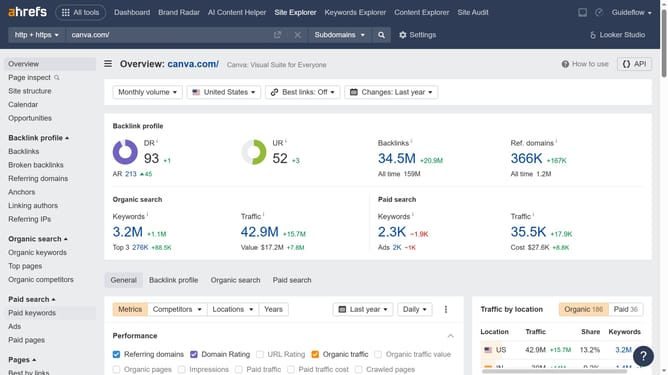
How to compare ad performance month-over-month in Ahrefs
Here is how to compare ad performance month-over-month in ahrefs
- First click on "Ads" in the left sidebar menu
- Then click on the date picker in the main content area
- Next click on "Custom date" option in the dropdown menu
- Then, use the calendar view to select the month you want to compare with your current performance
- Finally click "Apply" button in the calendar dialog to confirm the date selection
Why should you compare ad performance month-over-month in Ahrefs
Ahrefs is a comprehensive SEO toolset designed to boost your online visibility by analyzing your website and competitors.
Comparing ad performance month-over-month in Ahrefs offers valuable insights into the effectiveness of your marketing strategies.
By utilizing this feature, you can easily identify patterns and trends, enabling you to make informed decisions going forward.
This data-driven approach helps in optimizing ad spend and enhancing overall campaign performance, ultimately driving greater ROI.
Last update