How to export keyword-to-page mapping from Ahrefs
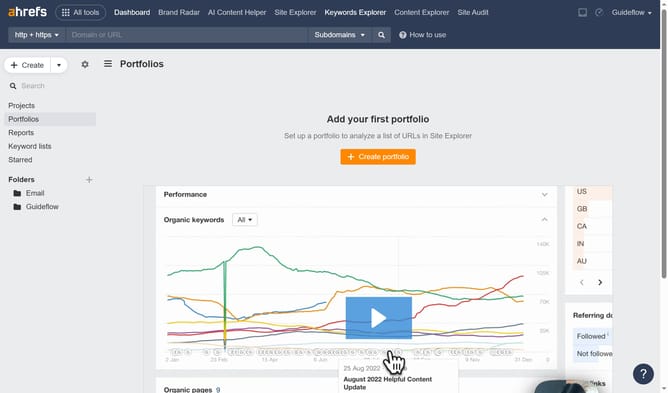
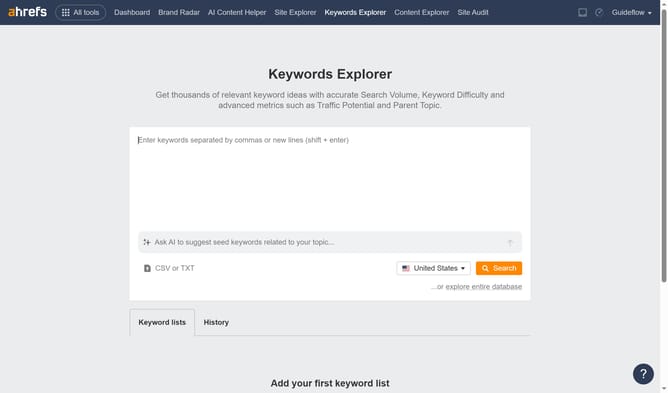
Here is how to export keyword-to-page mapping from ahrefs
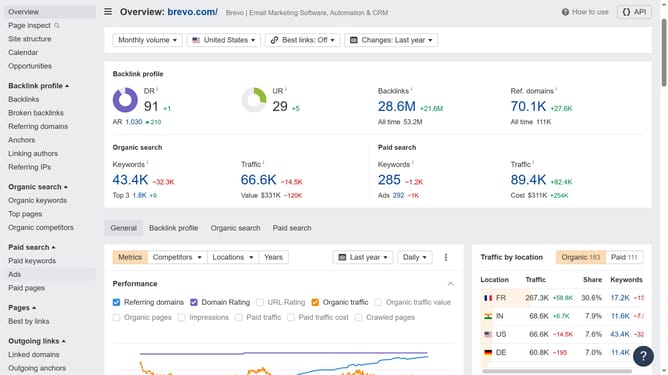
- First click on "Paid pages" item in the left sidebar menu to access the paid pages section
- Then click on the "Keywords" column with value to view detailed keyword information
- Next click on the "Export" button in the top right corner of the keyword details view
- Finally in the export dialog, click the "Export" button to download the keyword data in CSV format
Why should you export keyword-to-page mapping from Ahrefs
Ahrefs is a comprehensive SEO tool crafted to enhance your search traffic by providing extensive data and insights.
The feature to export keyword-to-page mapping from Ahrefs allows you to seamlessly associate specific keywords with their corresponding landing pages in your website's structure.
This functionality is invaluable for refining your SEO strategy, ensuring that your content targets the right audience efficiently, and improving your ranking performance. By analyzing this data, you'll gain clearer insights into which pages are performing best and where optimization opportunities lie.
Last update