How to download performance reports in Ahrefs
Here is how to download performance reports in ahrefs
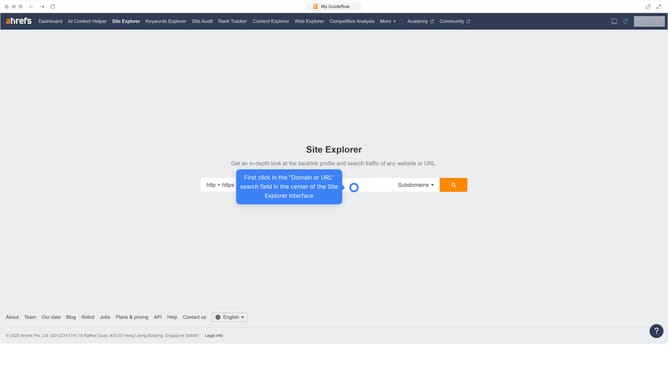
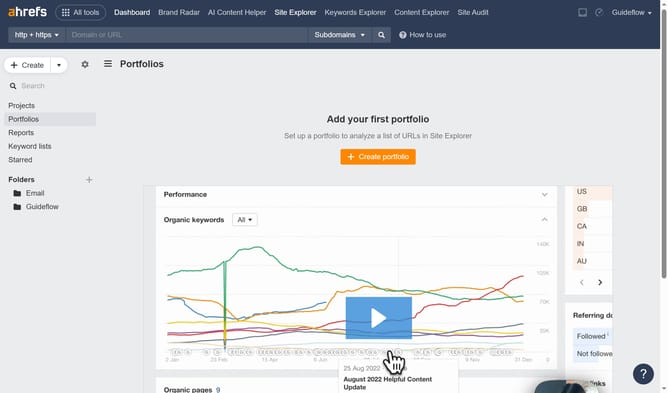
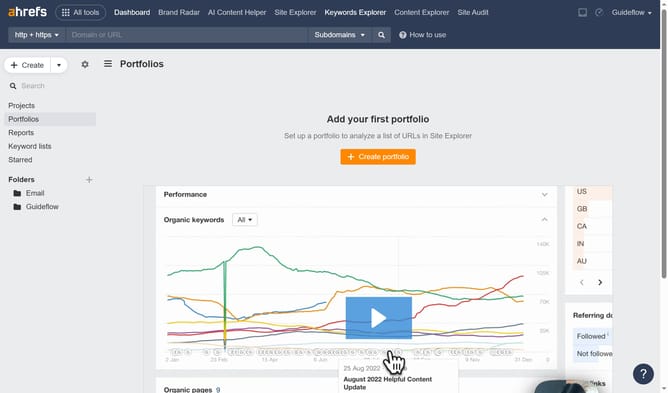
- First click on "Site Explorer" in the top navigation menu
- Then click on the "Domain or URL" search field in the center of the page
- Next enter the URL in the search field
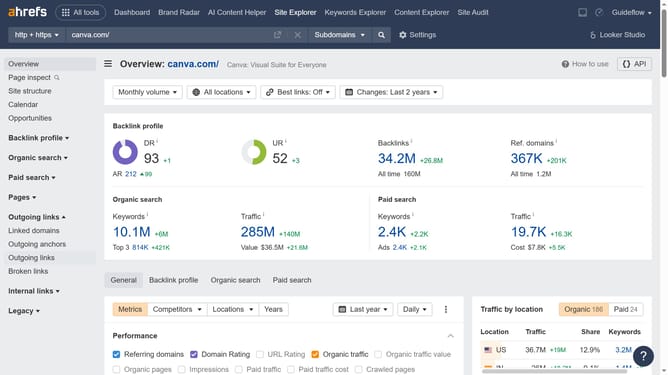
- Then click the search button to analyze the domain
- In the left sidebar menu, click on "Top pages" under the Organic search section
- Adjust the filters or settings according to your preferences
- Finally click the "Export" button in the top right corner to download the data
Why should you download performance reports in Ahrefs
Ahrefs is a powerful tool designed to enhance your SEO strategy by providing in-depth insights into your website's performance.
Downloading performance reports from Ahrefs is a straightforward process that allows users to access valuable data with ease. This feature ensures you have the necessary insights at your fingertips to make informed decisions about your digital strategy.
Having these reports readily available enables you to analyze trends, track progress, and uncover areas for improvement, ultimately boosting your website's search engine rankings.
Last update