How to filter referring domains by domain rating in Ahrefs
Here is how to filter referring domains by domain rating in ahrefs
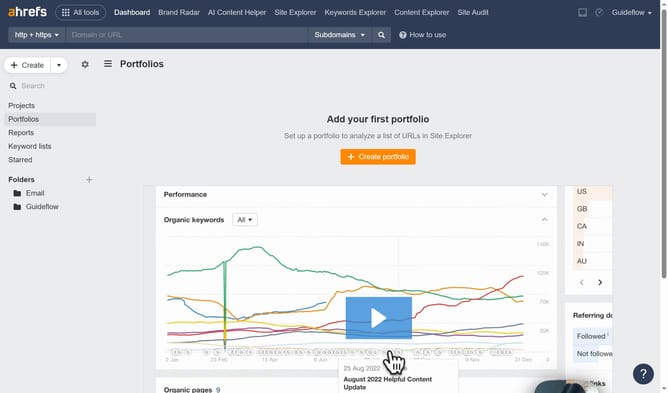
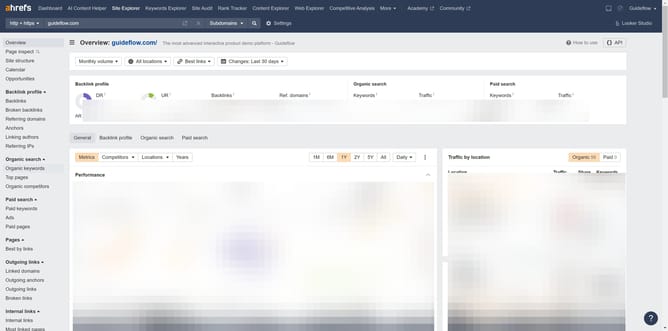
- First click on "Site Explorer" in the top navigation menu
- Then click on the URL input field in the center of the page to enter a domain
- Next click the "Search" button to analyze the domain
- Click on "Referring domains" in the left sidebar menu
- Then click on the "DR" dropdown button in the filter toolbar
- Set the "From" and "To" values for your DR filter to define the desired range
- Next click the "Apply" button to set the DR range filter
- Finally click the "Show results" button to apply the filtering
Why should you filter referring domains by domain rating in Ahrefs
Ahrefs is a powerful tool designed for enhancing your SEO strategies through comprehensive backlink analysis and keyword research.
The feature to filter referring domains by domain rating allows users to prioritize high-quality backlinks in their SEO efforts. By focusing on domains with higher ratings, users can ensure that their website gains more authoritative and valuable links.
This precision helps improve search engine rankings and boosts overall site credibility, making it easier to achieve online visibility goals efficiently.
Last update