How to filter keyword ideas by global search volume in Ahrefs
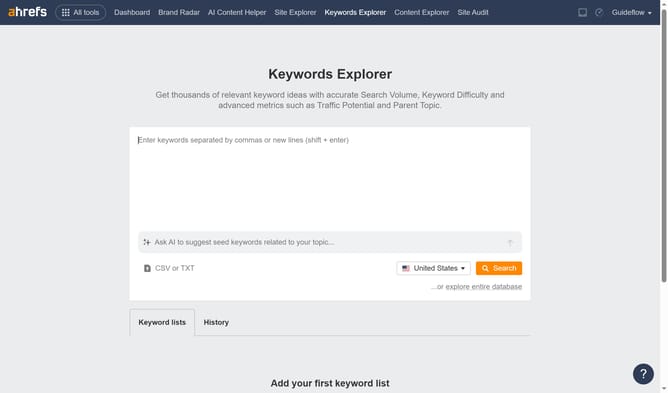
Here is how to filter keyword ideas by global search volume in ahrefs
- First click on "Matching terms" in the left sidebar menu
- Then click on "Add filter" button in the filters toolbar
- Next click on "Global volume" option from the dropdown menu
- Set the "From" and "To" values for your Global Volume filter to define the desired range
- Then, click the "Apply" button to confirm your filter settings
- Finally click on "Show results" button to apply the filter
Why should you filter keyword ideas by global search volume in Ahrefs
Ahrefs is a comprehensive toolset for SEO and marketing professionals, enabling them to elevate their online visibility.
The ability to filter keyword ideas by global search volume in Ahrefs is a standout feature that ensures you prioritize keywords with the most potential reach.
By filtering keywords, you can strategically target topics with substantial global interest, ensuring your content resonates on a wider scale.
This empowers marketers and content creators to optimize their strategies effectively, leading to increased traffic and engagement.
Last update