How to sort backlinks by page traffic in Ahrefs
Here is how to sort backlinks by page traffic in ahrefs
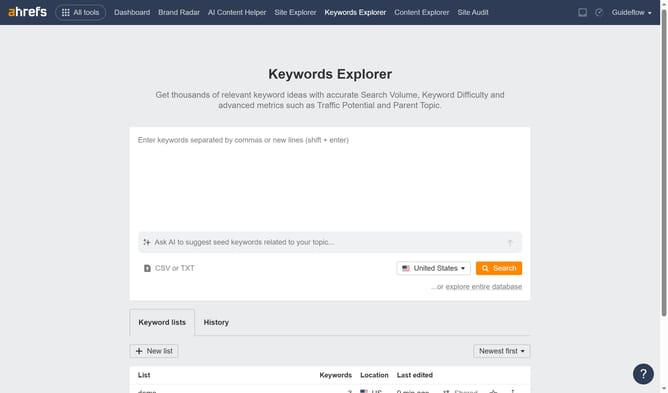
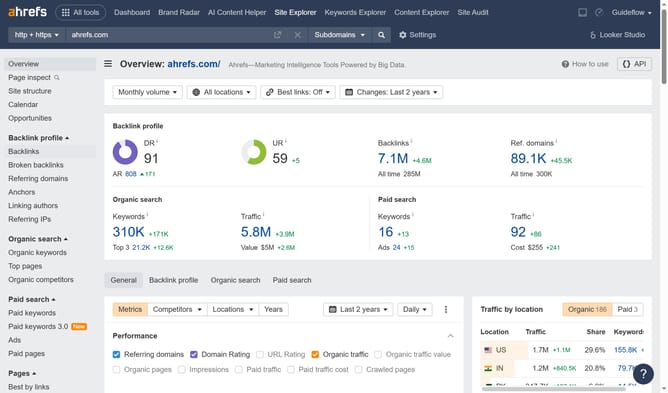
- First click on "Site Explorer" in the top navigation menu
- Click on the URL input field in the search bar
- Type the domain in the URL input field
- Click the orange search button to analyze the domain
- In the left sidebar, click on "Backlinks" under the Backlink profile section
- Click on "Page traffic" column header to sort the backlinks by traffic
Why should you sort backlinks by page traffic in Ahrefs
Ahrefs is a powerful tool tailored for digital marketers to gain insights into websites through comprehensive data analytics.
One of its standout features is the ability to sort backlinks by page traffic, which provides an edge in optimizing a site's SEO strategy. By focusing on backlinks that generate higher traffic, users can identify key pages that drive more visitors.
Utilizing this feature allows for smarter link-building efforts, ensuring that time and resources are directed towards maximizing website visibility and engagement. The clarity this provides significantly enhances decision-making for digital strategies.
Last update