Here is how to download lists of nofollow outbound links from ahrefs
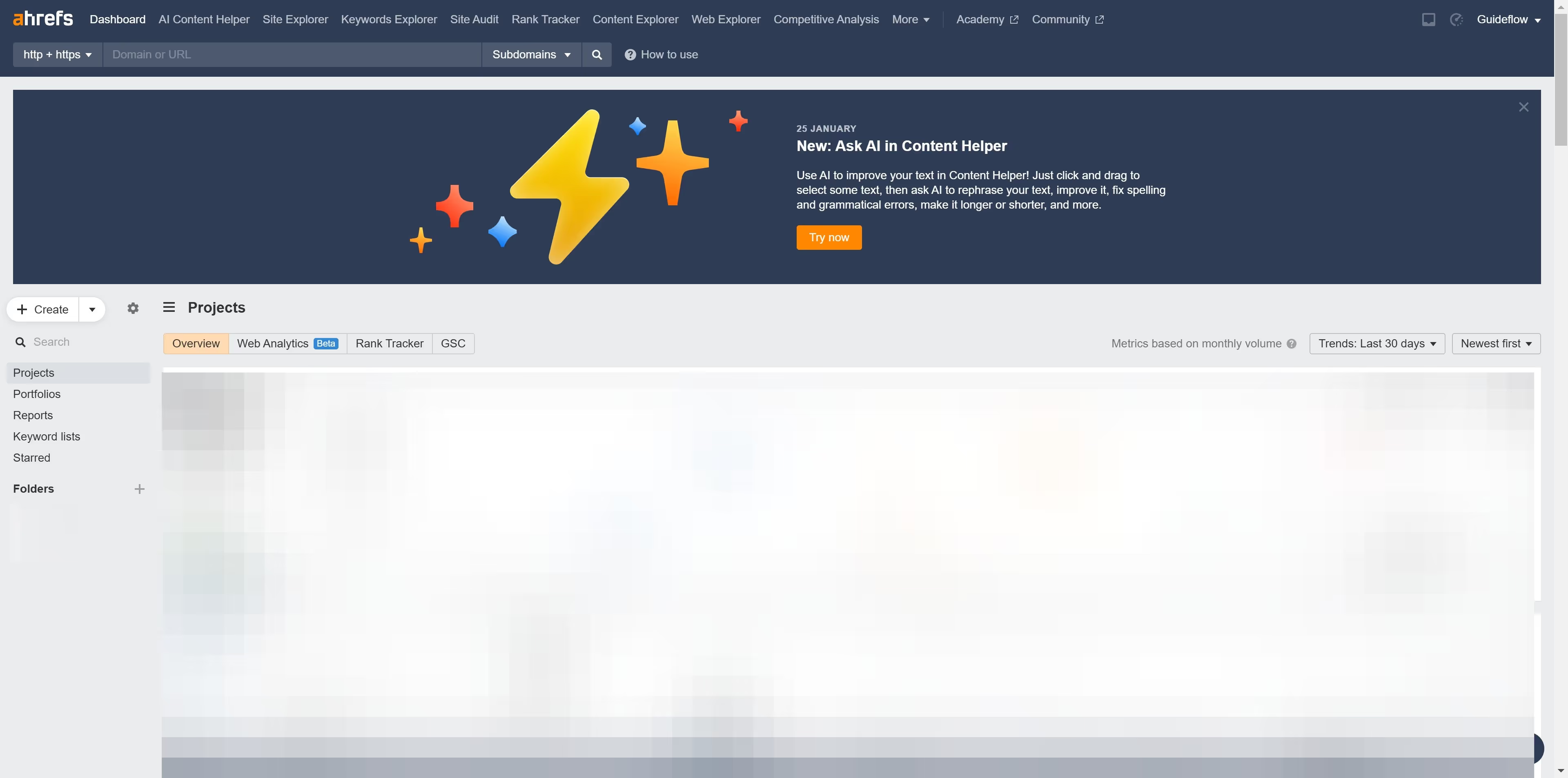
- First click on "Site Explorer" in the top navigation menu
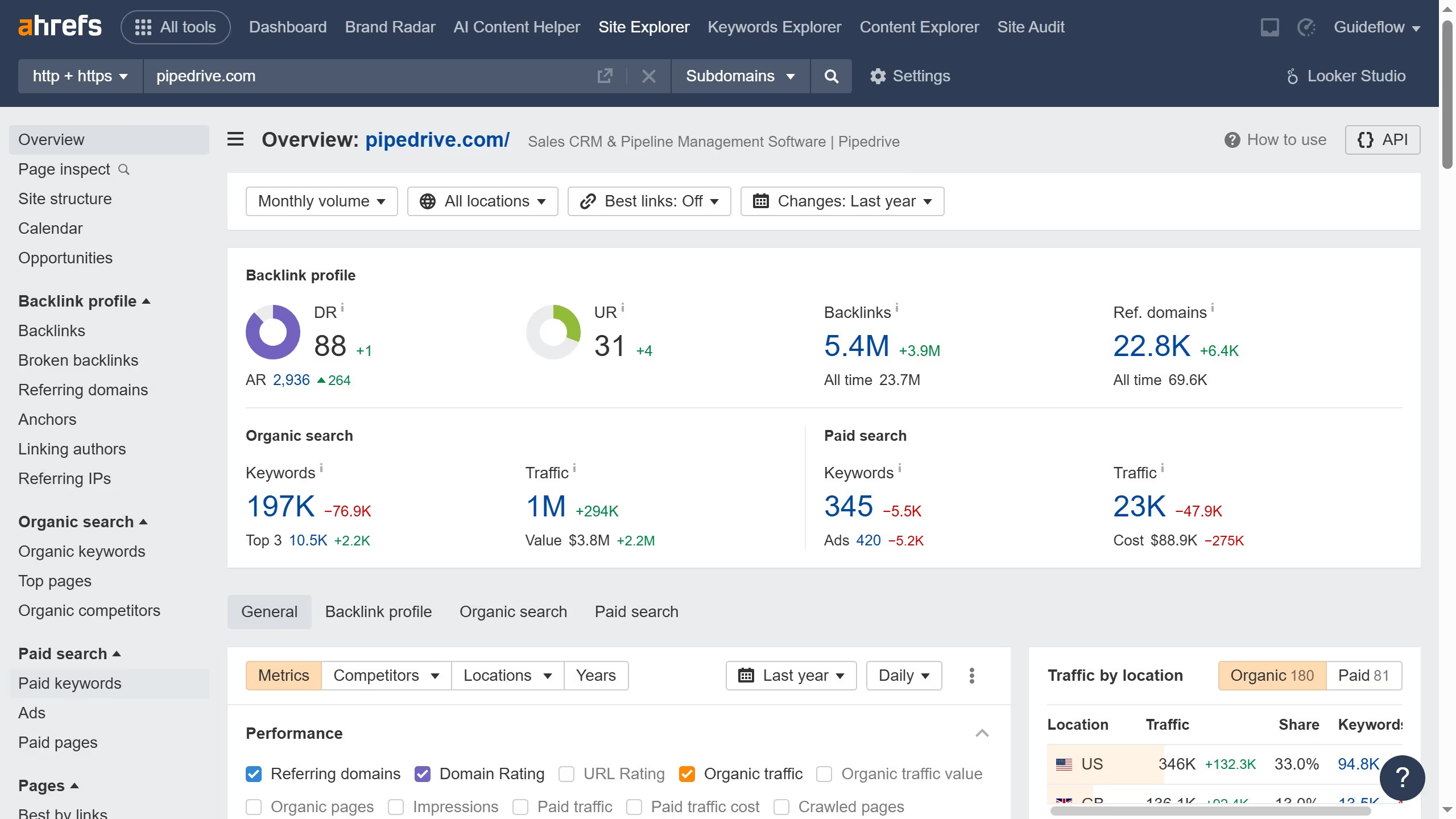
- In the search bar, click the domain input field to enter a URL
- Click the "Search" button to analyze the URL
- In the left sidebar menu, click on "Outgoing links"
- Select "Nofollow" filter from the filter options bar
- Click "Show results" button to apply the Nofollow filter
- Click the "Export" button in the top right corner of the results table
- In the export dialog, select the desired format and click the "Export" button