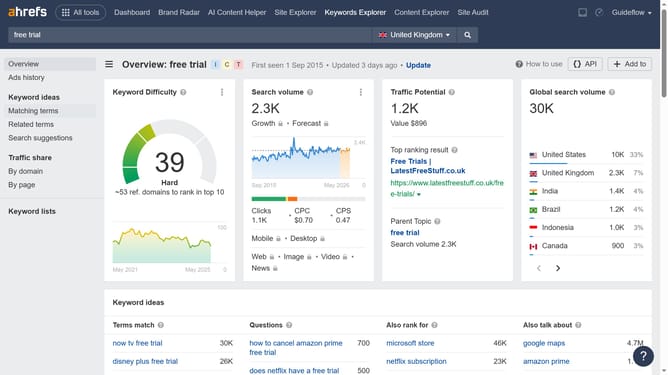
How to filter referring domains by top-level domain in Ahrefs
Here is how to filter referring domains by top-level domain in ahrefs
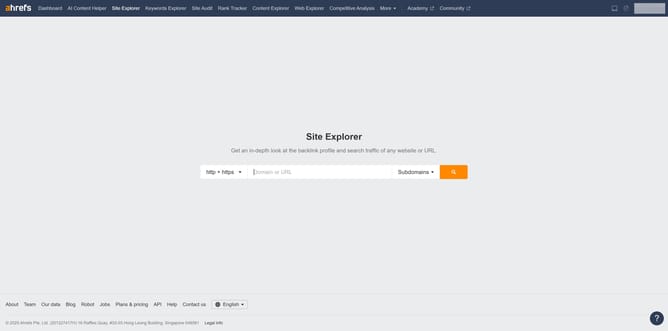
- First click on "Site Explorer" in the top navigation menu
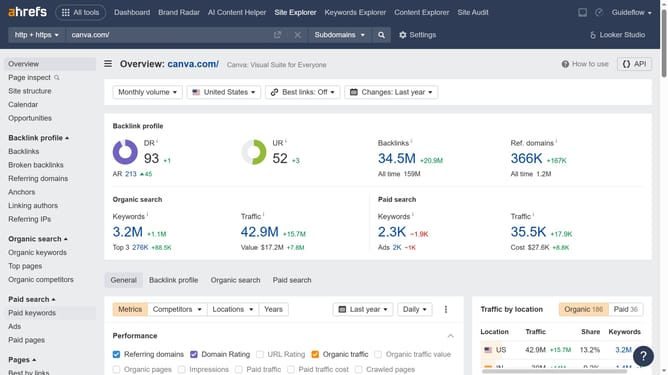
- Enter the domain in the URL search field on the Site Explorer page
- Click the "Search" button to analyze the domain
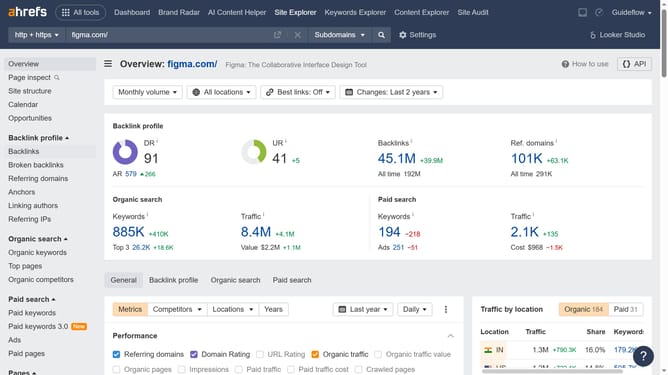
- In the left sidebar, click on "Referring domains" under the Backlink profile section
- In the text box, type in the TLD you want to filter by for example: .org to see only .org domains
- Finally, click the "Show results" button to apply the new filter
Why should you filter referring domains by top-level domain in Ahrefs
Ahrefs is a powerful SEO tool designed to help users enhance their online visibility and understand search engine dynamics.
Among its many features, you can filter referring domains by top-level domain (TLD). This enables users to identify which TLDs are linking back to their site, offering insights into the geographical origin and legitimacy of these backlinks.
Understanding this allows businesses to tailor their content strategies for better engagement and improved search engine rankings. The ability to filter by TLD efficiently uncovers opportunities to reach untapped markets and audiences.
Last update