How to compare referring domains over time in Ahrefs
Here is how to compare referring domains over time in ahrefs
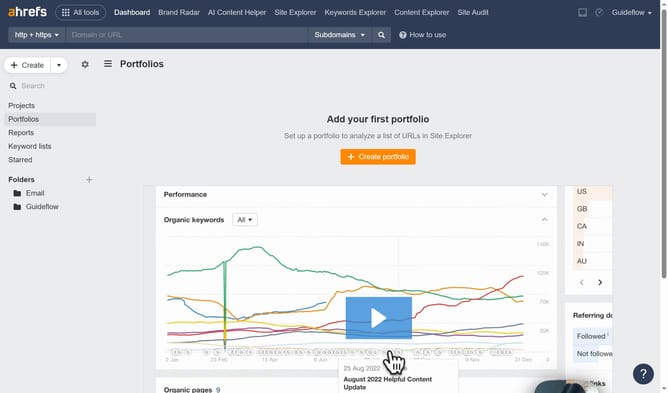
- First click on "Site Explorer" in the top navigation menu
- Then click on the URL input field in the center of the page to enter a domain
- Next click the "Search" button to analyze the domain
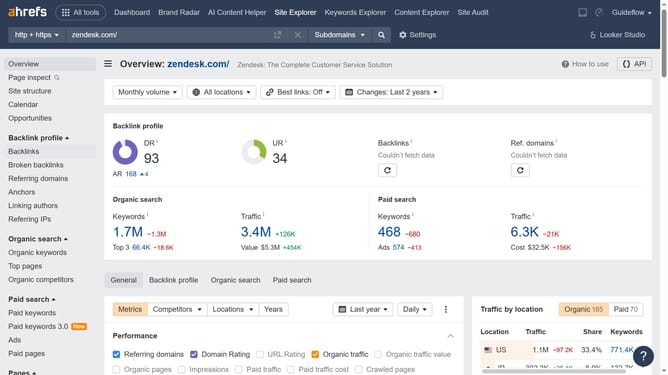
- Then click on "Overview" in the left sidebar
- Next click on "Referring domains" checkbox in the Metrics section
- Then click on the date range dropdown
- Select the desired option from the date range dropdown menu
- Finally click on a point in the Referring domains graph to view detailed statistics
Why should you compare referring domains over time in Ahrefs
Ahrefs is a powerhouse tool designed for competitive analysis and improving online visibility.
The ability to compare referring domains over time within Ahrefs is a game-changer for understanding your link-building efforts. This feature allows you to track the consistency and growth of your backlinks.
By observing trends, you can identify successful strategies and make informed decisions on future campaigns. Ultimately, this enhances your overall SEO performance, ensuring steady, sustainable growth over time.
Last update