How to check links to target from referring domains in Ahrefs
Here is how to check links to target from referring domains in ahrefs
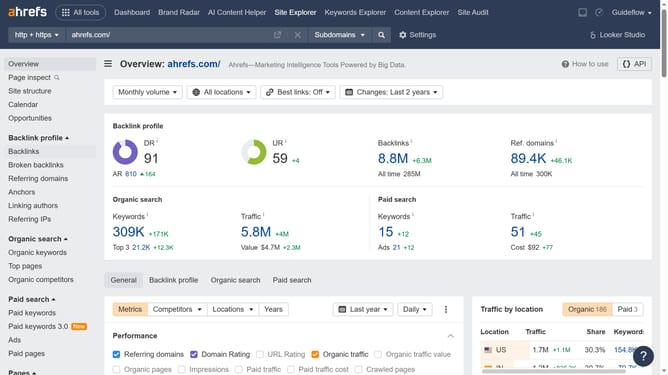
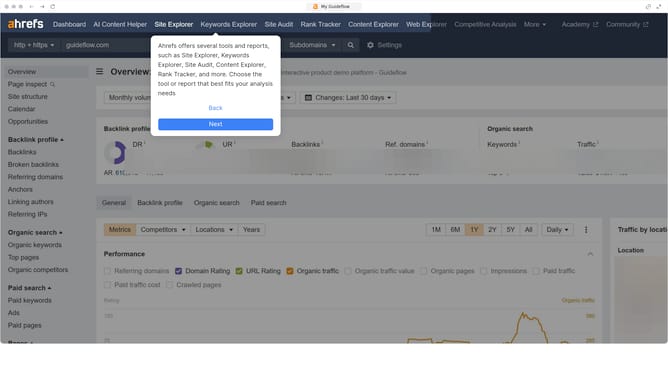
- First click on "Site Explorer" in the top navigation menu
- In the input field labeled "Domain or URL", start typing the domain to analyze
- Click the "Search" button or press Enter
- In the left sidebar menu, click on "Referring domains" under the Backlink profile section
- This column shows the total number of links pointing to your target from each domain
Why should you check links to target from referring domains in Ahrefs
Ahrefs is a powerful SEO toolset designed to enhance your website's visibility.
Checking links to your target from referring domains in Ahrefs reveals who is linking to your content. This feature enables you to assess the quality and relevance of these links, crucial for boosting search engine rankings.
Knowing your referring domains helps optimize your backlink profile, attract more traffic, and strengthen your site's authority. Utilize this insight to refine your SEO strategy and secure a competitive edge in digital marketing.
Last update