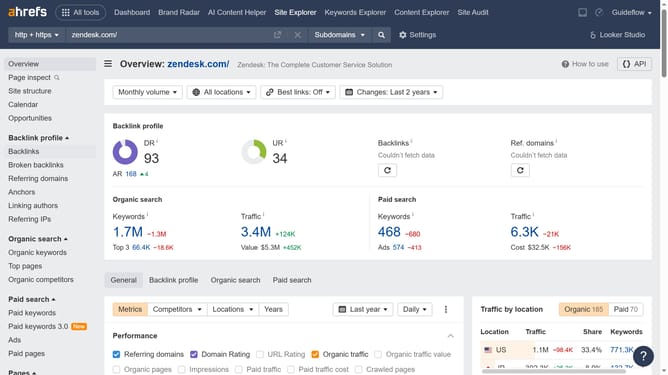
How to organize keyword lists into folders in Ahrefs
Here is how to organize keyword lists into folders in ahrefs
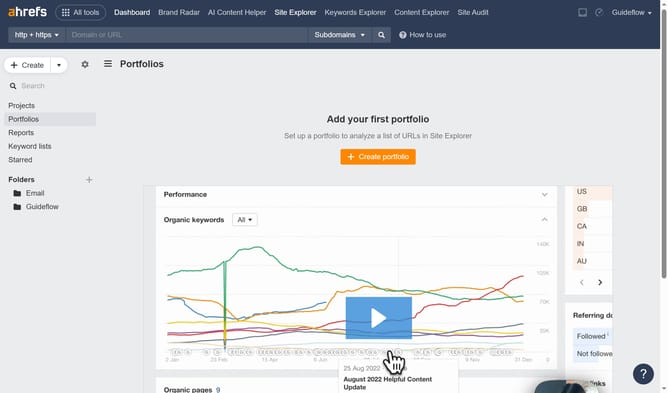
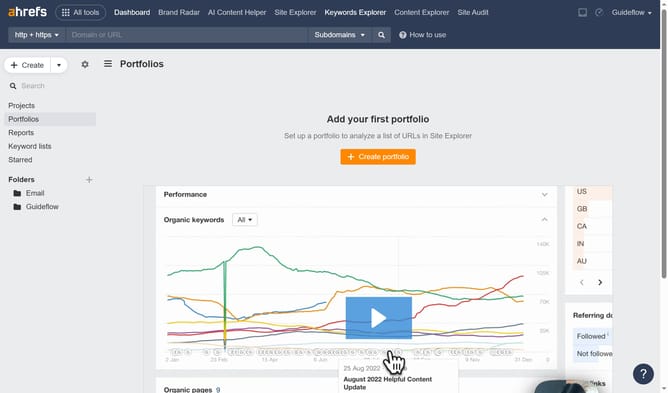
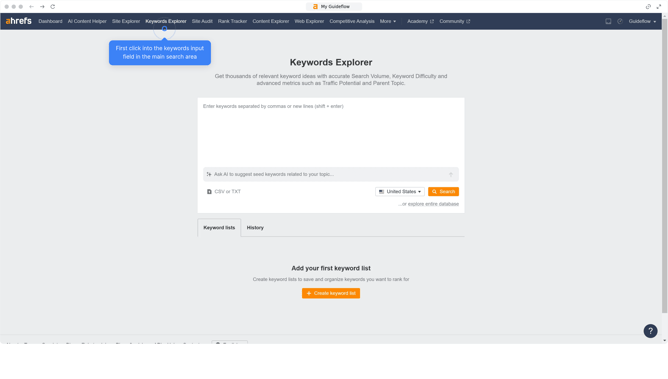
- First click on "Keywords Explorer" in the top navigation menu
- Then click on "Create keyword list" button in the main content area
- Next enter keywords in the keywords input field in the modal window
- Then click on the "List name" field to give your list a name
- Then click on the "Folder" dropdown menu and select a folder
- Finally click on the orange "Create" button to save the new keyword list
Why should you organize keyword lists into folders in Ahrefs
Ahrefs is a robust tool for enhancing your SEO strategy by providing detailed analytics and insights.
Organizing keyword lists into folders in Ahrefs streamlines your workflow and boosts productivity. This feature allows you to categorize keywords based on campaigns, themes, or priority levels.
By using folders, you enhance focus and clarity, ensuring that your SEO efforts are both strategic and effective. With a clear structure, tracking keyword performance and spotting new opportunities becomes significantly easier, allowing you to refine your strategies promptly.
Last update