How to export inbound link data in Ahrefs
Here is how to export inbound link data in ahrefs
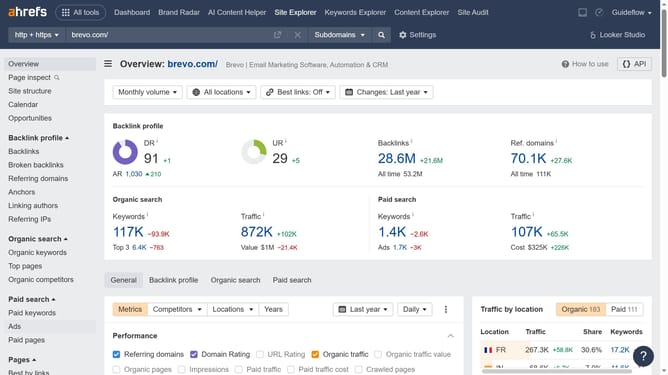
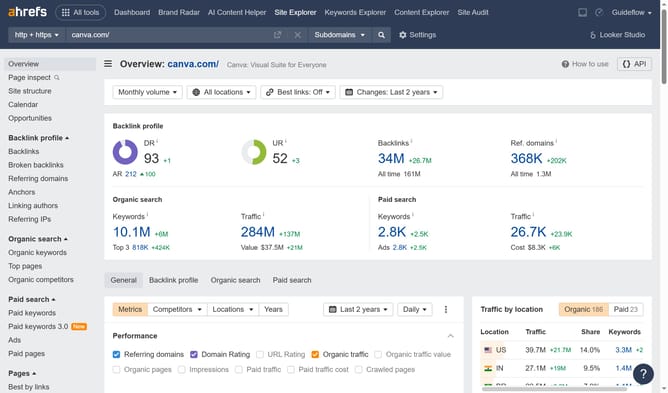
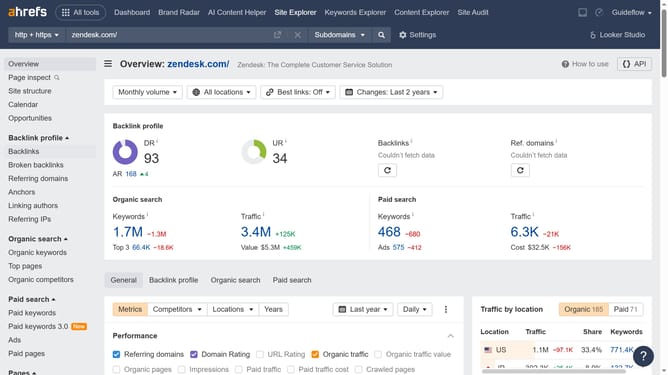
- First click on "Site Explorer" in the top navigation menu
- Then enter your website's domain or URL input field in the search bar
- Click the "Search" button to begin the analysis
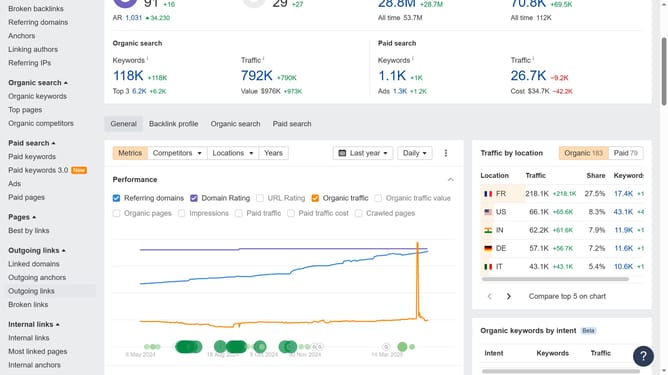
- In the left sidebar menu, click on "Backlinks" under the Backlink profile section
- Apply any necessary filters to refine your data
- Then click the "Export" button in the top right corner of the backlinks table
- In the Export dialog box, choose the number of rows to export and select the desired format for the export file
- Finally click on the "Export" button to download the inbound links in your preferred format
Why should you export inbound link data in Ahrefs
Ahrefs is a comprehensive tool designed to boost search engine optimization by providing in-depth analysis of various SEO factors.
Among its standout features is the ability to export inbound link data. This feature is crucial for anyone looking to enhance their website's link-building strategy.
By exporting inbound link data, users can easily assess which backlinks are providing the most value and potentially identify new opportunities for outreach.
Having access to this data facilitates informed decision-making, ultimately aiding in the growth of a site's SEO performance.
Last update