How to check for canonical URLs in Ahrefs
Here is how to check for canonical urls in ahrefs
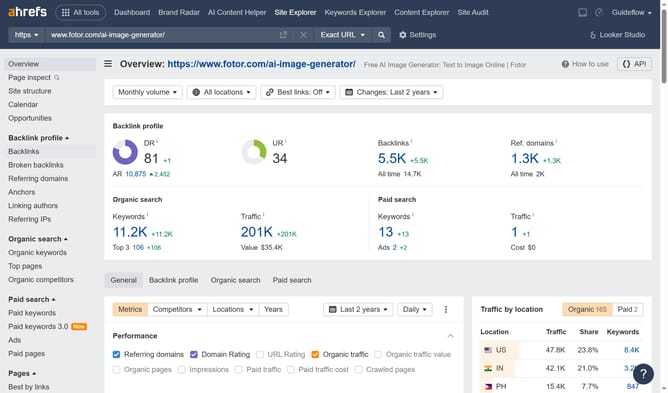
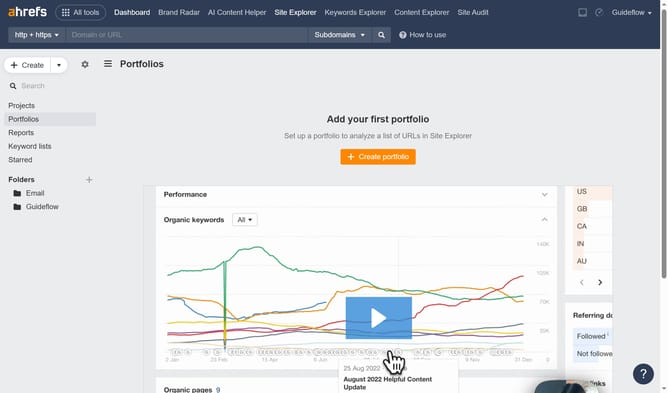
- First click on "Site Explorer" in the top navigation menu
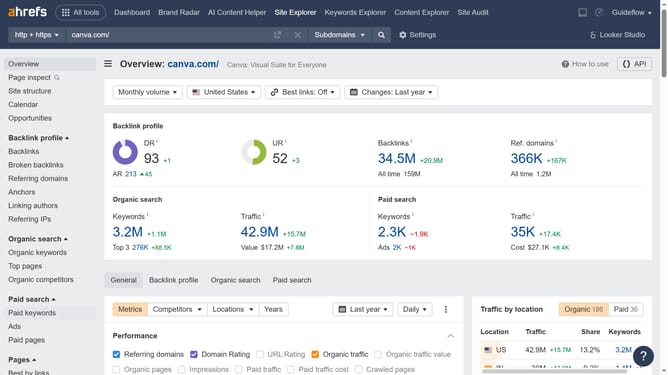
- Then enter your website domain or URL input field in the search bar
- Next click the search button to proceed
- Click on "Backlinks" in the left sidebar menu
- Next click on "Backlink type" dropdown in the filter bar
- Select "Canonical" option from the backlink type dropdown
- Then click "Show results" button to apply the canonical backlinks filter
- You will now see a list of canonical URLs, each marked with a respective tag
Why should you check for canonical URLs in Ahrefs
Ahrefs is a powerful tool designed to enhance your site’s search engine optimization by analyzing various data.
One essential feature of Ahrefs is its ability to check for canonical URLs. This feature helps ensure that search engines index only preferred versions of your web pages, enhancing their relevance and performance.
By identifying canonical URLs, you can prevent issues such as duplicate content that might otherwise dilute your page rankings. This ultimately aids in maintaining a clean, authoritative, and effective SEO strategy for your website.
Last update