How to find low-KD paid keyword in Ahrefs
Here is how to find low-kd paid keyword in ahrefs
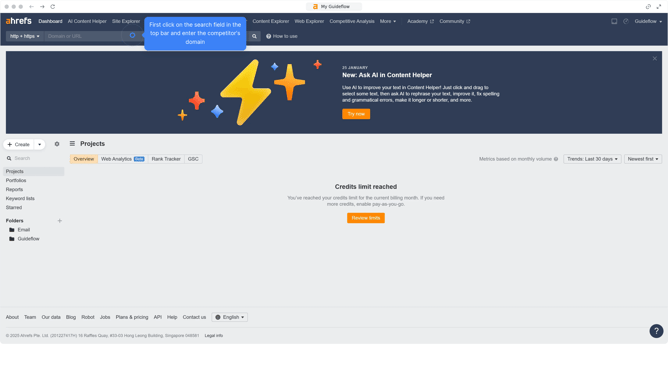
- First click on "Site Explorer" in the top navigation menu
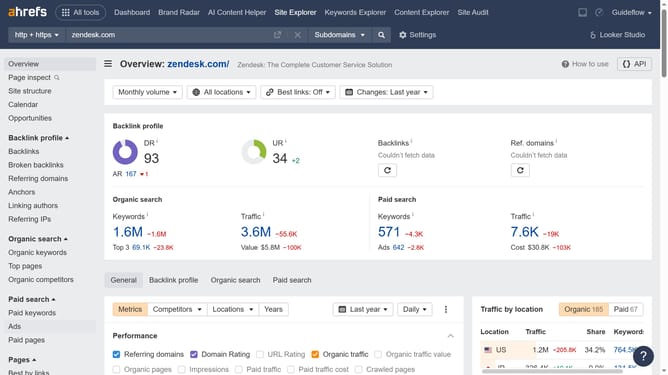
- In the search bar, click the domain input field to enter a URL
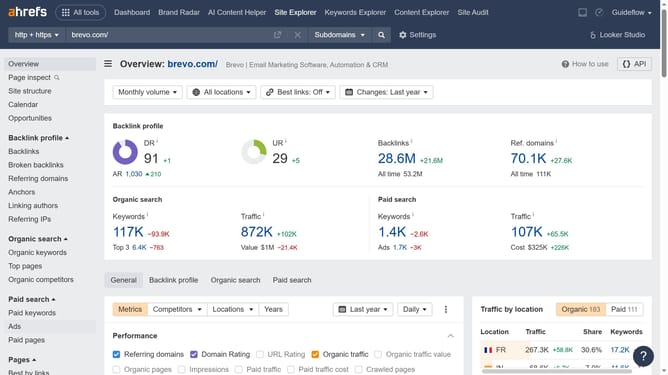
- Click the "Search" button to analyze the URL
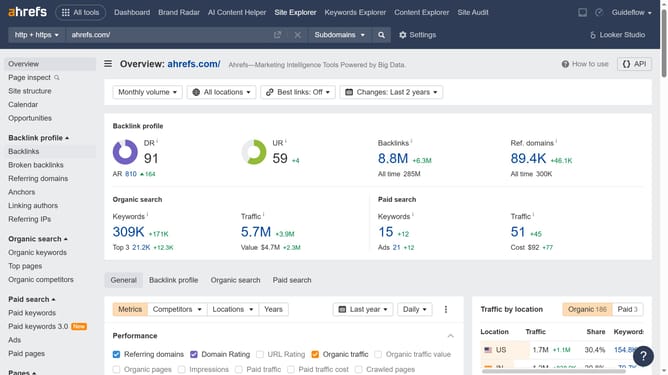
- Then click on "Paid keywords" in the left sidebar menu under the "Paid search" section
- Finally, click the "KD" column header to sort the keywords by lowest KD first
Why should you find low-KD paid keyword in Ahrefs
Ahrefs is a powerful marketing tool designed to enhance your web search visibility.
When aiming to find low-KD (Keyword Difficulty) paid keywords in Ahrefs, you unlock a strategic advantage for cost-effective ad campaigns. Low-KD keywords offer a less competitive space, making it easier to achieve higher ad placements at reduced costs.
Leveraging these keywords can significantly improve your PPC strategy by targeting untapped niches and increasing return on investment. Ultimately, this feature helps businesses maximize visibility while minimizing expenditure.
Last update