Ahrefs
Ahrefs is an SEO toolset for backlink analysis, keyword research, and competitive insights.
Website
Industry
SEO
Share this article:

How to filter keyword ideas by local traffic potential in Ahrefs

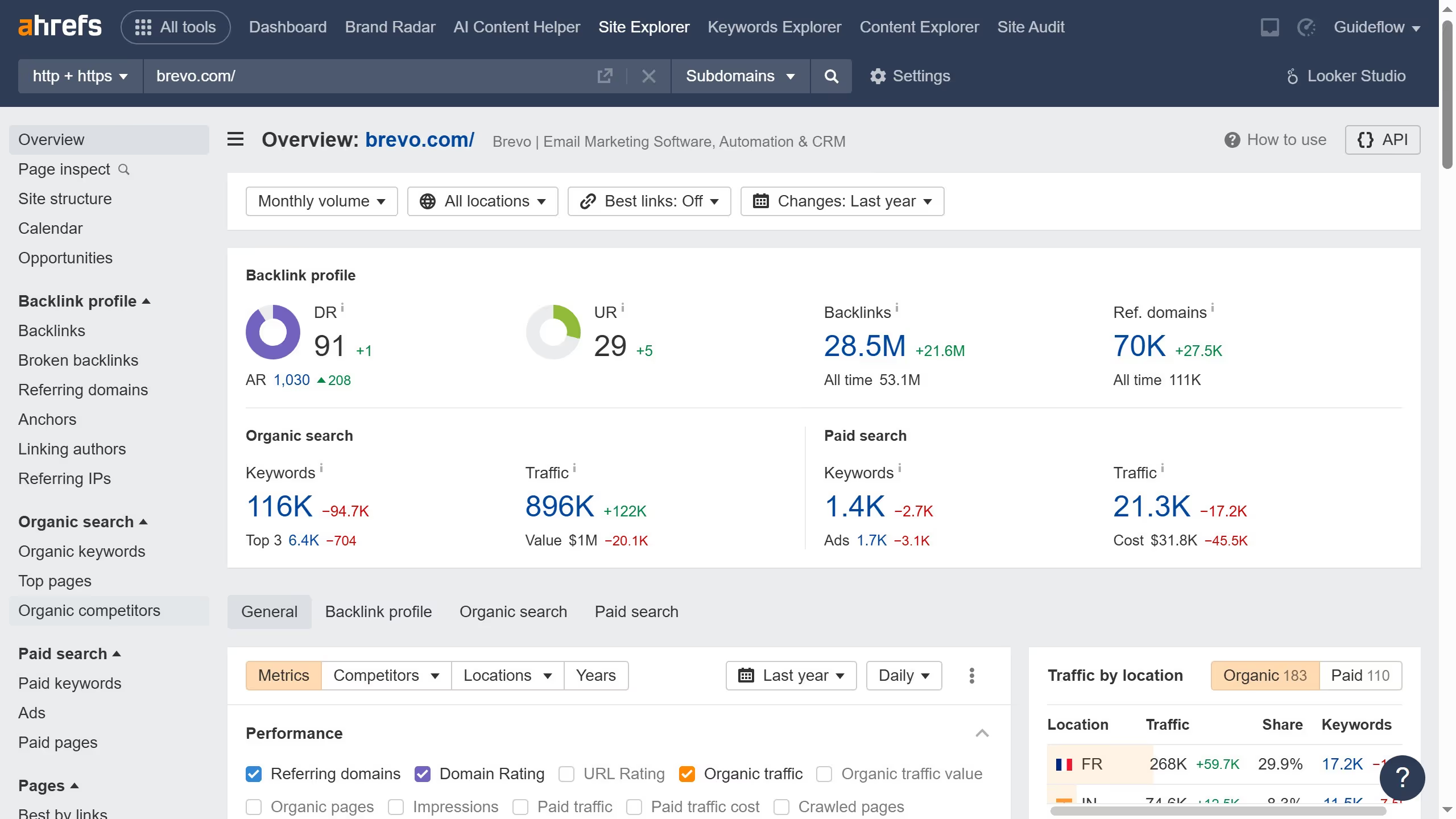
Here is how to filter keyword ideas by local traffic potential in ahrefs

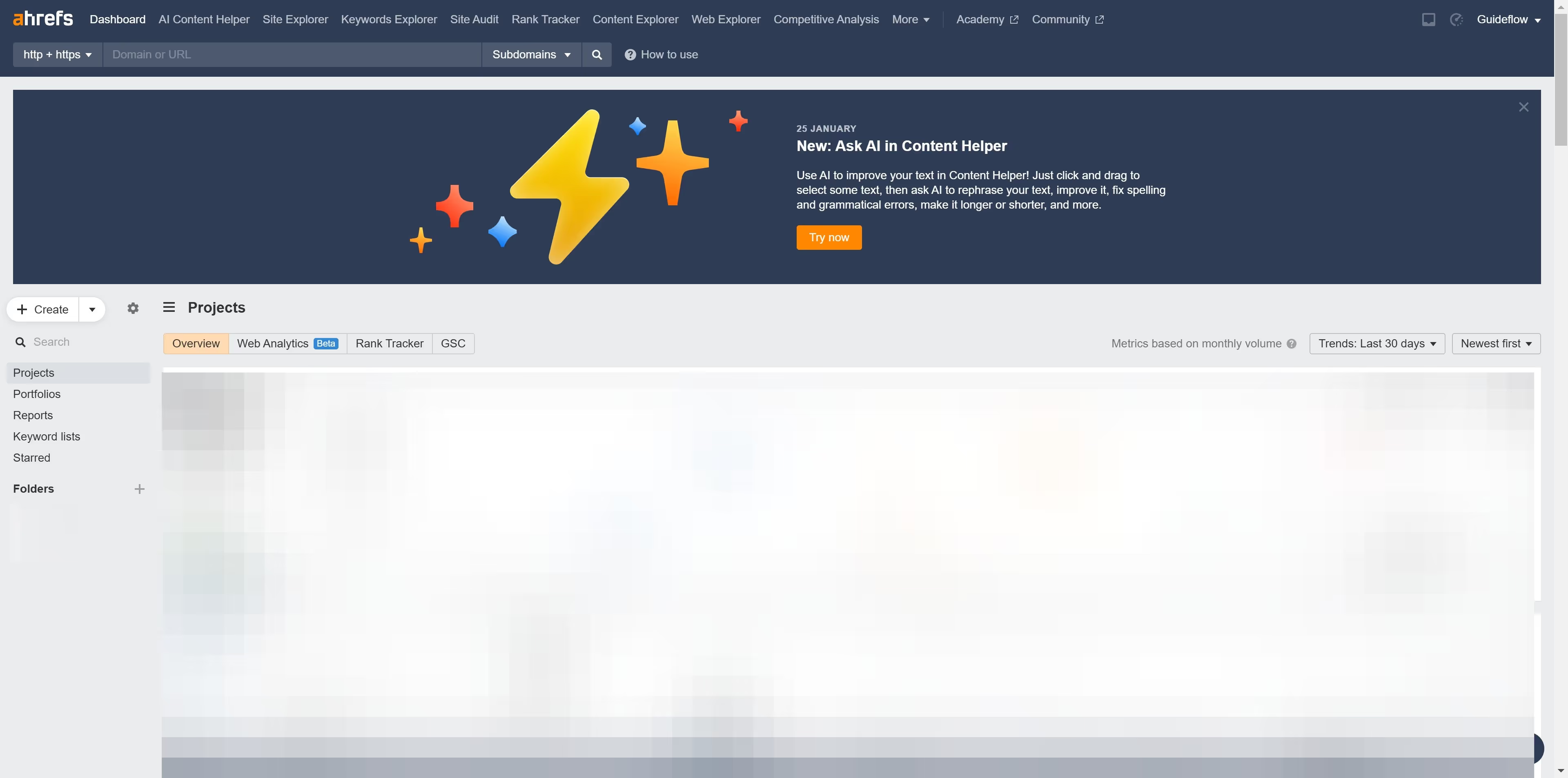
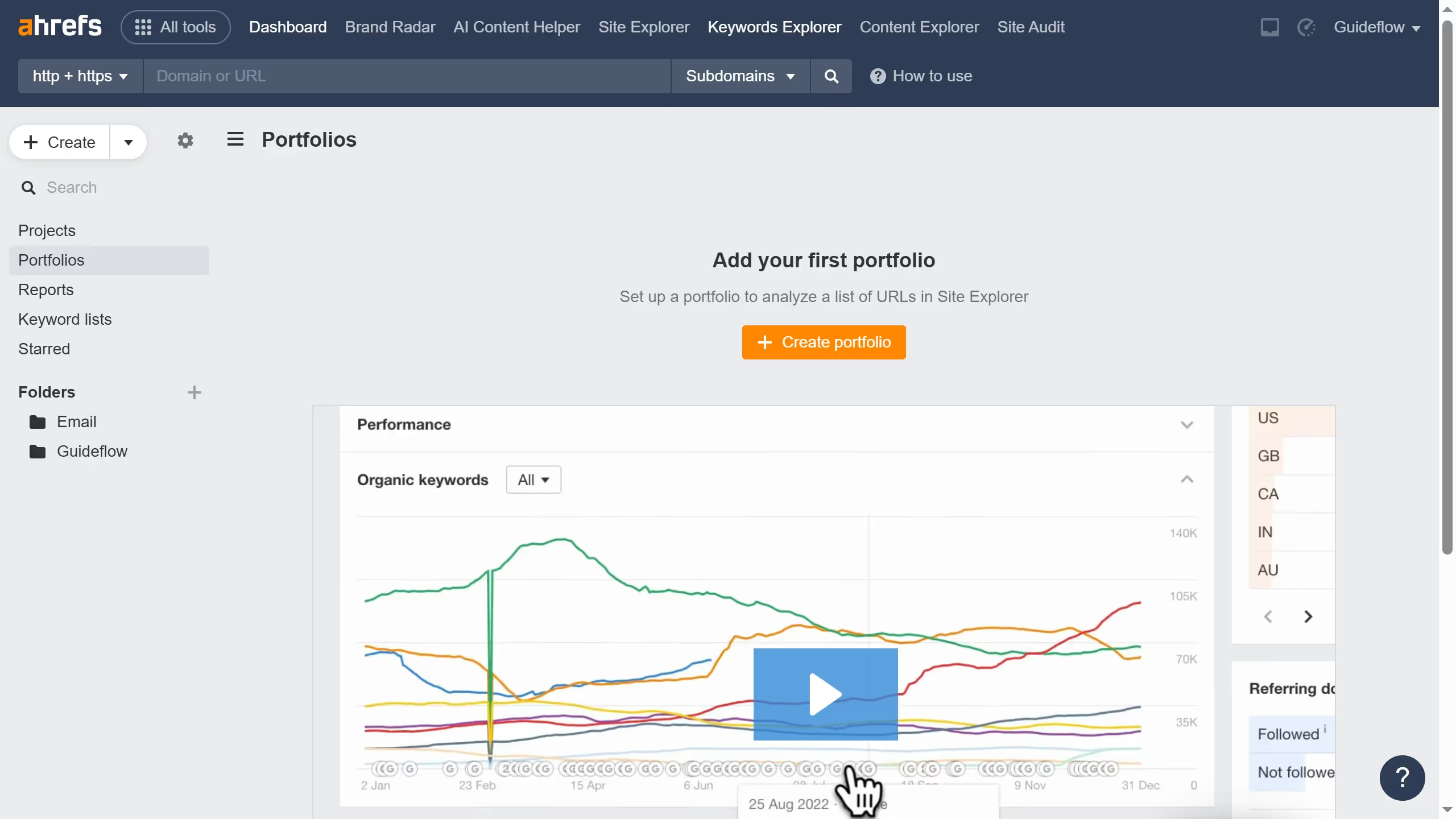
  1. First click on the "Keywords Explorer" tab in the main navigation menu
  2. Then click in the search input field to enter keywords
  3. Next click on the "Search" button to view keyword metrics and analysis
  4. Then click on "Matching terms" in the left sidebar menu
  5. Next click on the "Traffic Potential" dropdown filter in the filters bar
  6. Set the "From" and "To" values for your traffic potential filter to define the desired range
  7. Next click the "Apply" button
  8. Finally click the "Show results" button to apply the Traffic Potential filter

Create your own interactive guide with Guideflow

Why should you filter keyword ideas by local traffic potential in Ahrefs

Ahrefs is a powerful tool designed to enhance your SEO strategies with precision and insight.

One standout feature of Ahrefs is its ability to filter keyword ideas by local traffic potential. This function allows marketers to identify keywords that are not just popular, but also relevant to specific geographical areas. By focusing on local traffic, businesses can tailor their content to attract audiences in targeted regions, enhancing visibility and engagement.

The benefits are clear: optimizing for local traffic ensures that your content resonates more deeply with your audience, increasing the likelihood of conversion and boosting overall SEO performance.


Last update
June 16, 2026
Cursor MariaA cursor points to a button labeled "James."

Create your first demo in less than 30 seconds.