Ahrefs
Ahrefs is an SEO toolset for backlink analysis, keyword research, and competitive insights.
Website
Industry
SEO
Share this article:

How to view anchor text of inbound links in Ahrefs

Here is how to view anchor text of inbound links in ahrefs

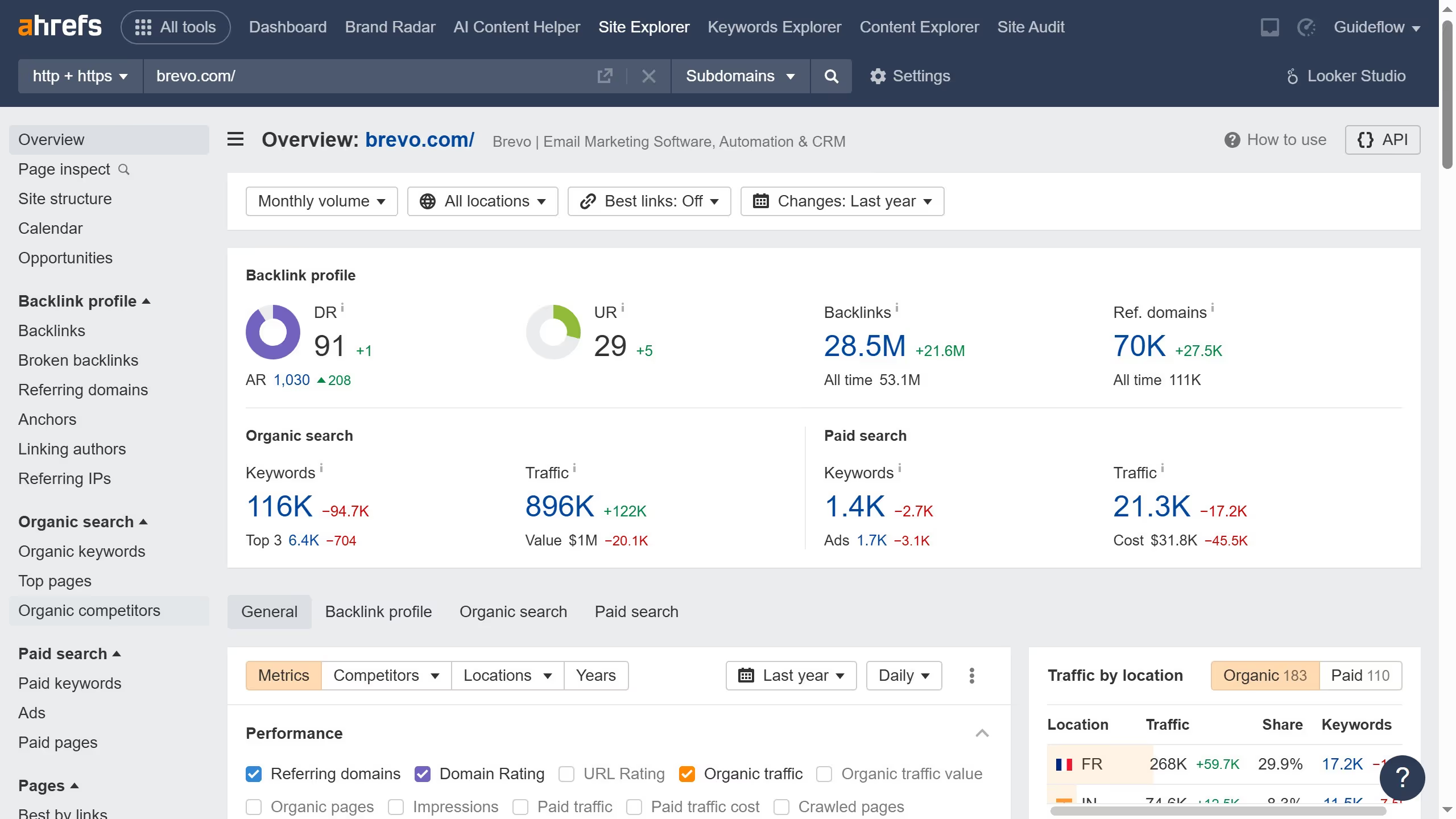
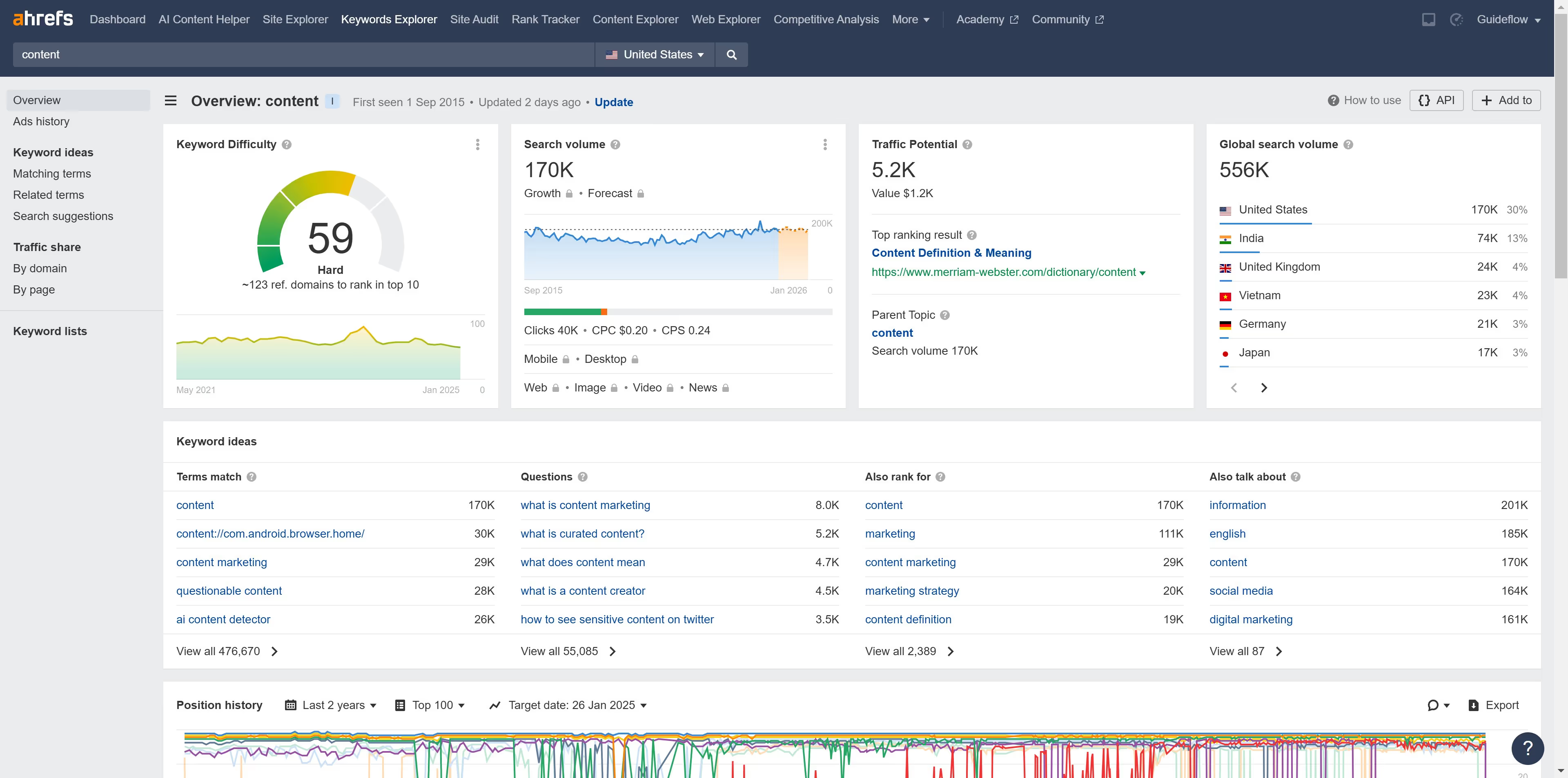
  1. First click on "Site Explorer" in the top navigation menu
  2. In the search bar, click the domain input field to enter a URL
  3. Click the "Search" button to analyze the URL
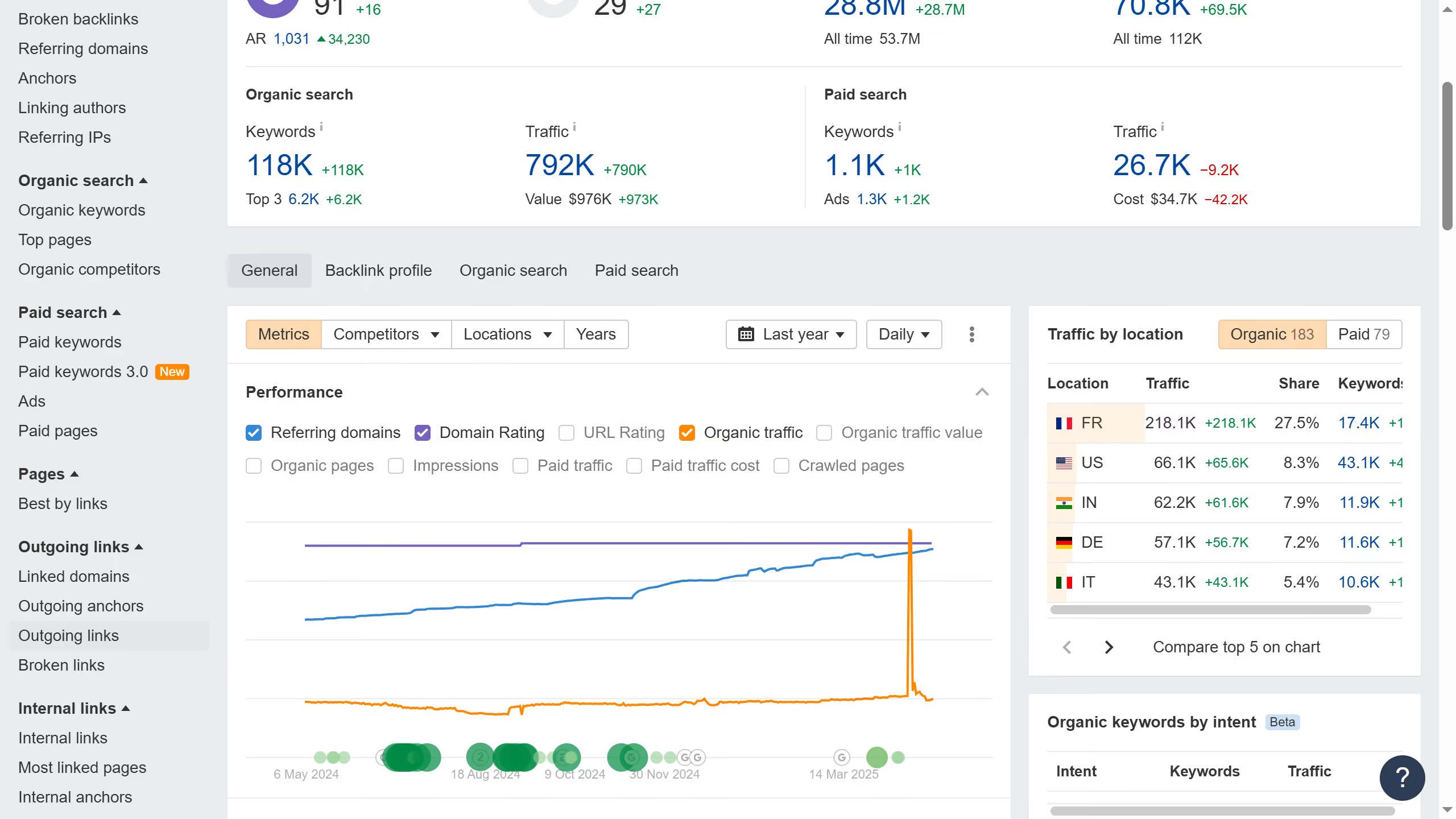
  4. In the left sidebar menu, click on "Backlinks" under the Backlink profile section
  5. In this column you will find the anchor text of the link and the URL it points to

Create your own interactive guide with Guideflow

Why should you view anchor text of inbound links in Ahrefs

Ahrefs is a powerful tool designed to enhance digital marketing strategies through efficient SEO insights.

One of its standout features is the ability to view anchor text of inbound links, providing users with a clear perspective on how other sites link to theirs.

Understanding the anchor text of inbound links helps refine your SEO strategies by ensuring that links are relevant and beneficial to the site's ranking.

This feature empowers you to enhance your site's visibility and reach by optimizing anchor text for improved search engine performance.


Last update
June 16, 2026
Cursor MariaA cursor points to a button labeled "James."

Create your first demo in less than 30 seconds.