How to download keyword overlap reports (paid/organic) from Ahrefs
Here is how to download keyword overlap reports (paid/organic) from ahrefs
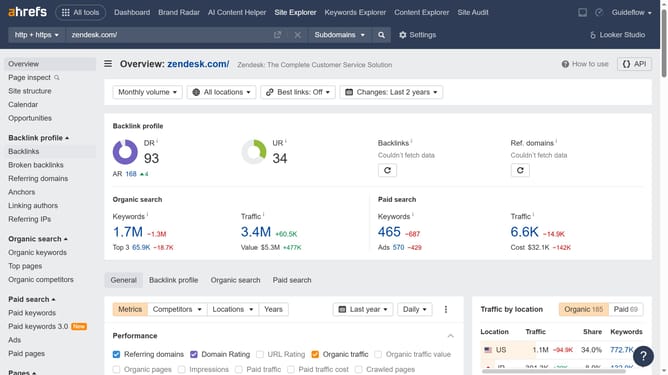
- In the left sidebar menu, click on "Paid keywords" under the Paid search section
- Click on the "Columns" button in the top-right corner of the table
- In the columns dropdown menu, click the "Paid/Organic ratio" checkbox
- Click the "Export" button located in the top-right corner of the table
- In the Export dialog box, click the "Export" button after choosing your preferred file format
Why should you download keyword overlap reports (paid/organic) from Ahrefs
Ahrefs is a renowned tool designed for effective SEO and digital marketing strategies.
One of its standout features is the ability to download keyword overlap reports, both paid and organic. This feature provides invaluable insights into which keywords you're ranking for organically, and which ones you’re investing in through paid search. Understanding this overlap helps you optimize your budget, potentially reducing costs where natural ranking is already strong.
Additionally, analyzing keyword overlap can reveal new opportunities for boosting traffic and conversions. By identifying gaps and strengths in your keyword strategy, you can better tailor your approach to dominate search results, aligning content and advertising efforts effectively.