How to add date ranges for comparison in Ahrefs
Here is how to add date ranges for comparison in ahrefs
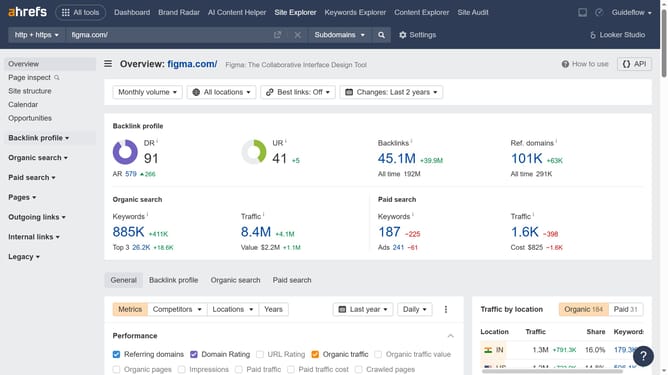
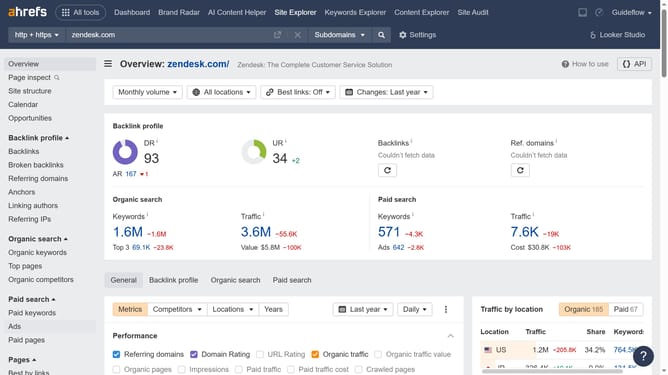
- First click on "Site Explorer" in the top navigation menu
- Then click the "Domain or URL" input field and enter your domain
- Click the "Search" button to analyze the domain
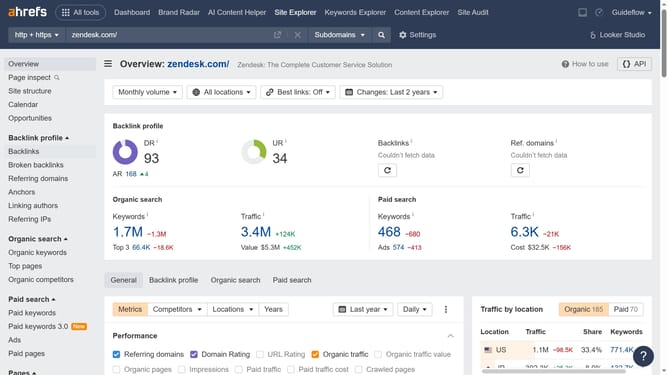
- In the left sidebar, click on "Organic keywords" under the "Organic search" section
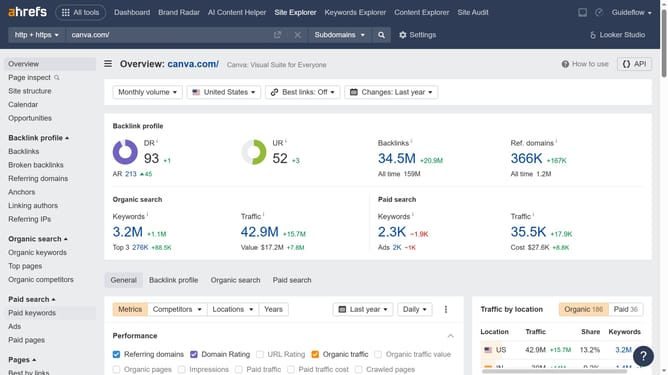
- Click on the "Don't compare" dropdown menu in the results toolbar
- Finally, choose a date option for your comparison data range from the dropdown menu
Why should you add date ranges for comparison in Ahrefs
Ahrefs is a powerful SEO tool designed to boost your website’s search engine visibility.
One of its key features is the ability to compare data across different date ranges, providing invaluable insights into performance trends over time.
By adding date ranges for comparison, you can easily identify patterns and fluctuations in key metrics, helping to refine your SEO strategies.
This feature empowers you to make data-driven decisions, ensuring your efforts are both effective and timely, ultimately enhancing your search engine rankings.
Last update