How to calculate traffic share among competitors in Ahrefs
Here is how to calculate traffic share among competitors in ahrefs
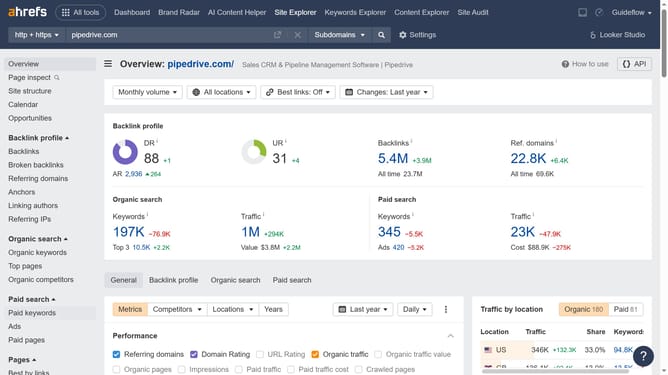
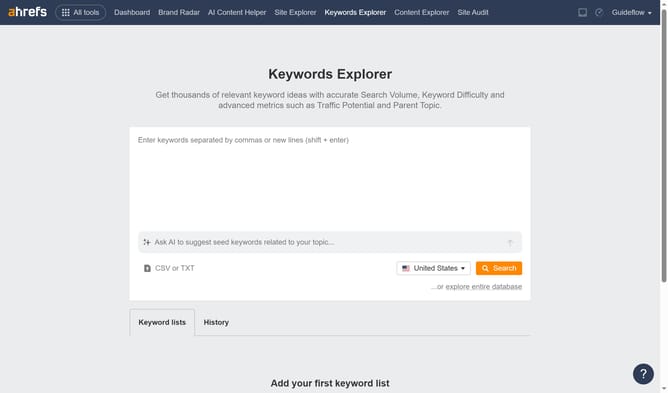
- First click on "Site Explorer" in the top navigation menu
- Enter the domain in the URL search field on the Site Explorer page
- Click the "Search" button to analyze the domain
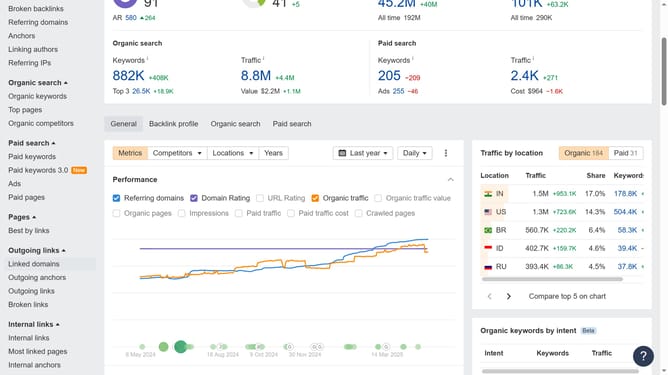
- In the left sidebar, click on "Organic competitors" under the Organic search section
- Click the arrow besides the competitors name to view its details
- Find the "Organic traffic" of the competitor
- Then divide the Traffic to the Organic traffic and multiply it by 100 to get the traffic share
Why should you calculate traffic share among competitors in Ahrefs
Ahrefs is a powerful tool designed to enhance your SEO strategy through robust data insights.
Calculating traffic share among competitors in Ahrefs allows you to understand how your website measures up against industry rivals. This insight presents an opportunity to pinpoint market gaps and leverage existing strengths.
By revealing the proportion of search traffic competitors receive, Ahrefs helps to refine your approach, and tailor your content strategies to capture more of your target audience.
Last update