How to check website traffic in Ahrefs
Here is how to check website traffic in ahrefs
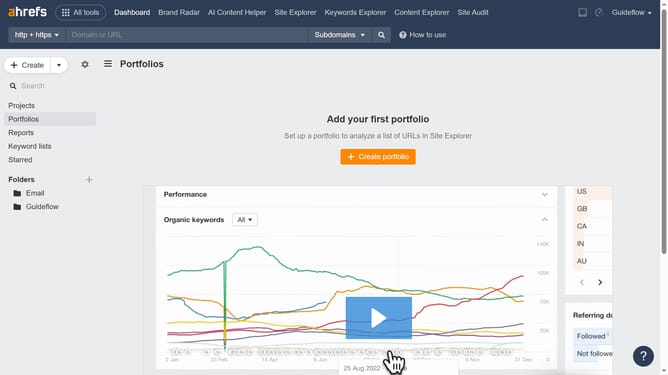
- First click on "Site Explorer" in the top navigation menu
- Then click on the "Domain or URL" input field in the search bar
- Next, enter the website's name in the search field and click the search button
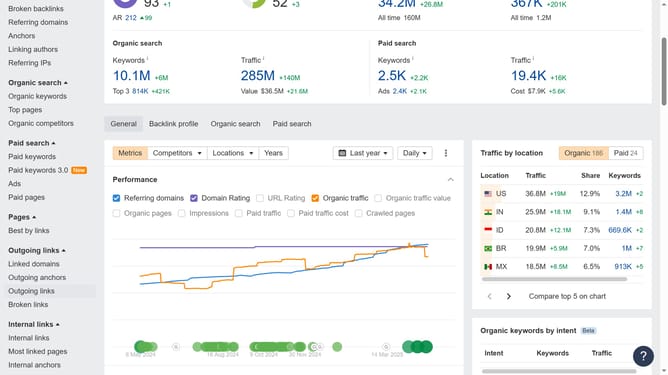
- Finally, you can find the traffic information in the Overview section
Why should you check website traffic in Ahrefs
Ahrefs is a comprehensive tool designed to elevate your SEO strategy through insightful data analysis.
Its feature on checking website traffic is indispensable for understanding your site’s visibility and performance in a competitive landscape. By leveraging this data, users can gauge trends over time, analyze which content drives engagement, and identify traffic sources effectively.
Utilizing Ahrefs for traffic analysis empowers businesses to refine their marketing strategies, allocate resources more efficiently, and ultimately enhance online presence and engagement.
Last update