How to research competitors’ keyword difficulty in Ahrefs
Here is how to research competitors’ keyword difficulty in ahrefs
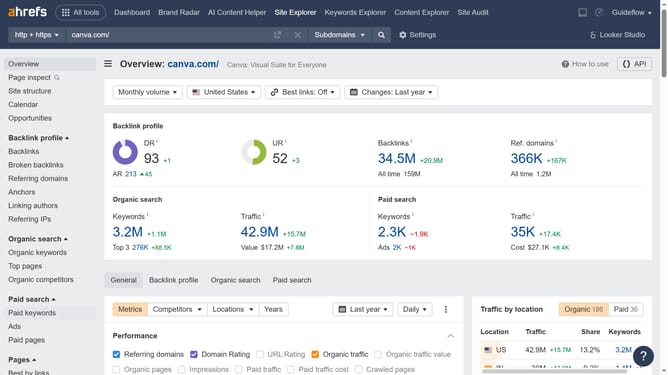
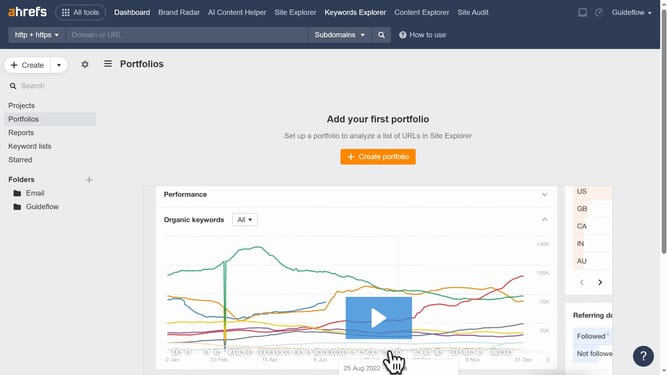
- Click on "Site Explorer" in the top navigation menu
- Click in the "Domain or URL" search field and type your competitors website
- Click the orange "Search" button to start analyzing
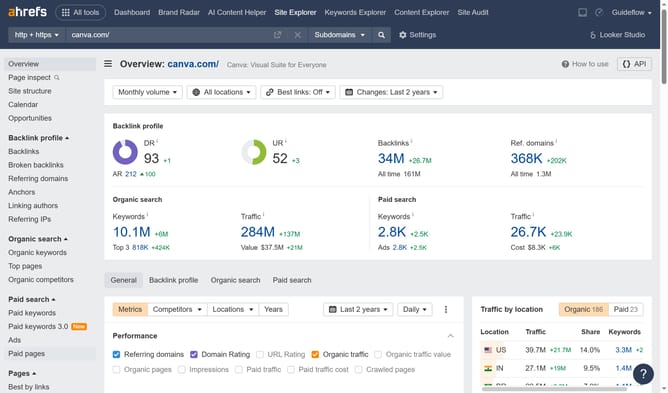
- Click on "Organic keywords" in the left sidebar menu
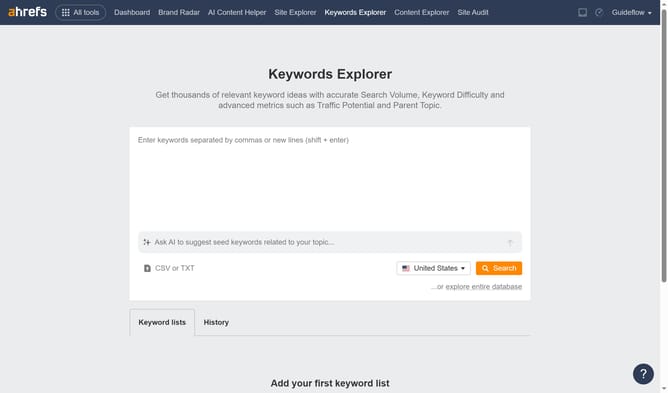
- Here you’ll find your competitor’s keywords along with their keyword difficulty
Why should you research competitors’ keyword difficulty in Ahrefs
Ahrefs is a powerful SEO tool designed to enhance your online visibility by providing in-depth data analysis and insights.
One of its indispensable features is researching competitors’ keyword difficulty, allowing you to gauge the SEO landscape effortlessly.
Understanding keyword difficulty helps you identify low-hanging fruits—terms that are less competitive yet lucrative for attracting traffic.
Armed with this knowledge, you can refine your strategy effectively, targeting keywords with the best potential to improve your rankings and drive organic growth.
Last update