How to analyze nofollow backlinks in Ahrefs
Here is how to analyze nofollow backlinks in ahrefs
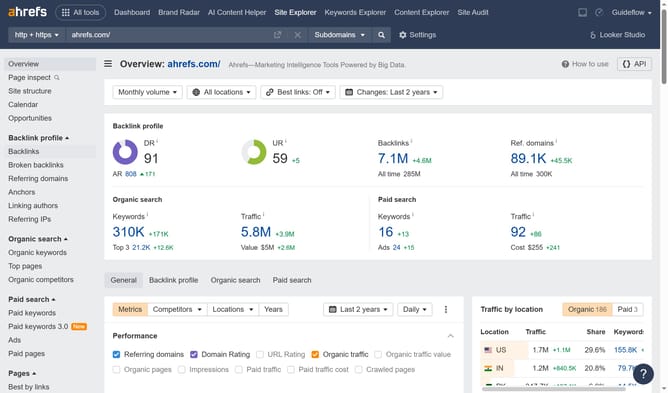
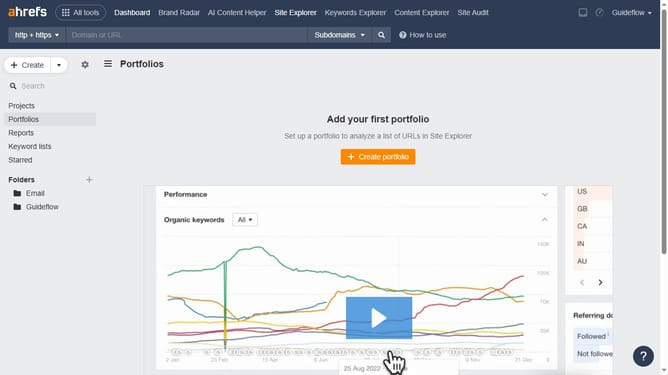
- First click on "Site Explorer" in the top navigation menu
- Type the domain in the input field
- Click the orange search button to analyze the domain
- Click on "Backlinks" in the left sidebar menu
- Click on "Nofollow" filter in the Backlinks view toolbar
- Finally click the "Show results" button to apply the filter
Why should you analyze nofollow backlinks in Ahrefs
Ahrefs is a powerful tool designed to elevate your SEO and content marketing efforts by providing in-depth backlink insights and competitive analysis.
Analyzing nofollow backlinks in Ahrefs offers insight into your website’s backlink profile, highlighting where your content is being referenced without passing SEO credit.
Understanding nofollow links can help refine your backlink strategy, improve brand awareness, and detect potential partnership opportunities. This analysis reveals how your content influences others and contributes to enhancing the overall reputation and visibility of your site.
Last update