How to compare keyword overlap with organic competitors in Ahrefs
Here is how to compare keyword overlap with organic competitors in ahrefs
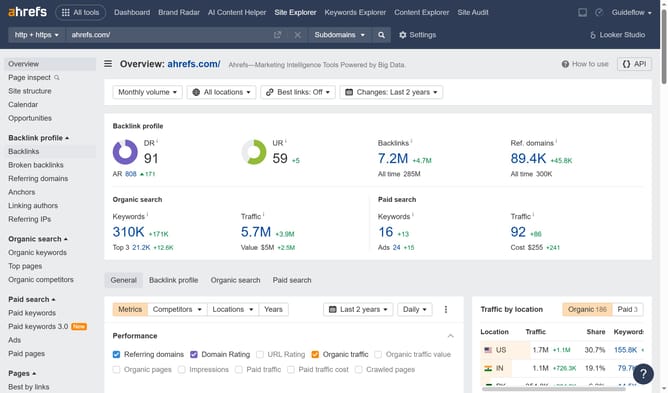
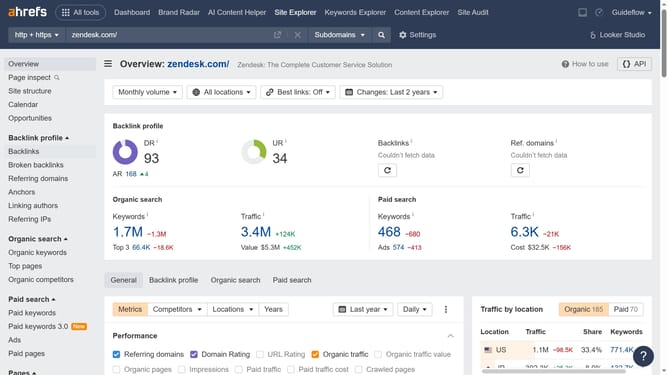
- First click on "Site Explorer" in the top navigation menu
- Enter the domain in the URL search field on the Site Explorer page
- Click the "Search" button to analyze the domain
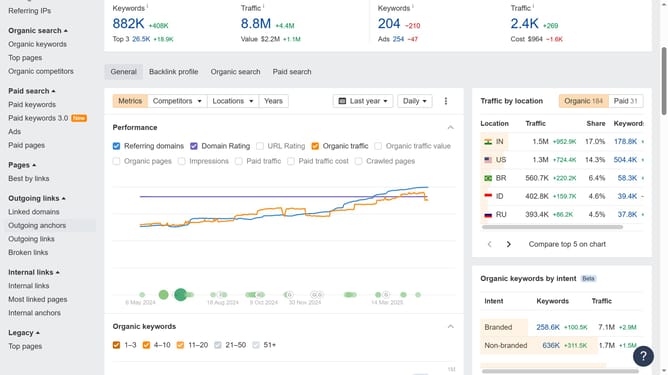
- Click on "Organic competitors" in the left sidebar menu
- Finally hover on the keyword overlap bar in the competitors table to see the information
Why should you compare keyword overlap with organic competitors in Ahrefs
Ahrefs is a comprehensive tool designed for improving online visibility through effective SEO strategies.
One of its standout features is the ability to compare keyword overlap with organic competitors. This allows users to identify which keywords your site shares with competitors, informing strategic decisions.
Utilizing this feature can help uncover content gaps, optimize existing pages, and align content development efforts with market demand. It empowers marketers to refine their strategies and boost search engine ranking efficiency.
Last update