How to download organic keyword reports from Ahrefs
Here is how to download organic keyword reports from ahrefs
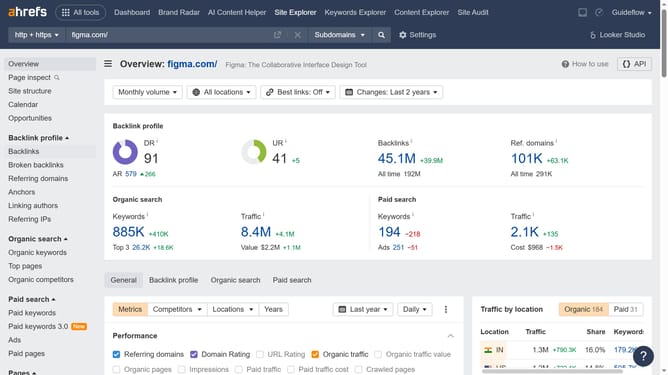
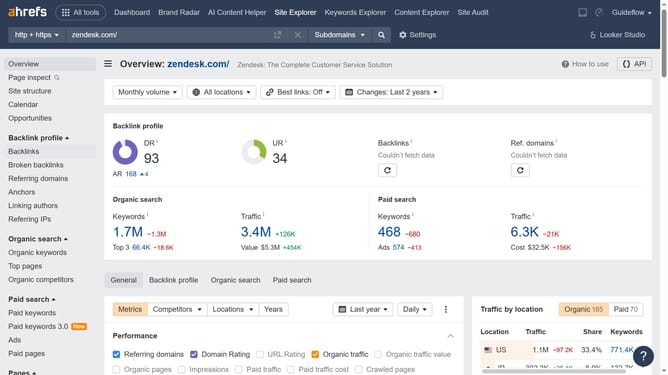
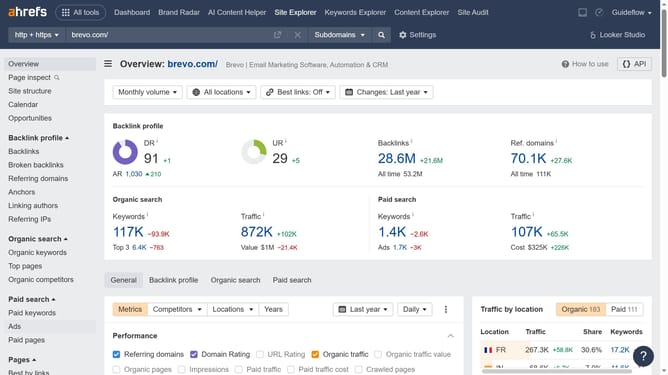
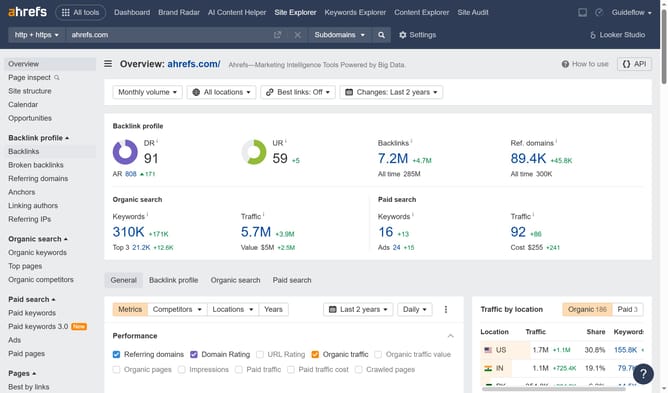
- First click on "Site Explorer" in the top navigation menu
- In the search bar, click on the "Domain or URL" input field and enter your domain
- Click the search button to analyze the domain
- In the left sidebar menu, click on "Organic keywords" under the "Organic search" section
- Configure the filters to suit your report
- Click the "Export" button in the top-right corner of the keywords table
- Choose the format you want your report to be in
- Finally click the "Export" button in the dialog to download the keywords data
Why should you download organic keyword reports from Ahrefs
Ahrefs is a powerful tool designed to elevate your SEO strategy by providing comprehensive data insights.
Downloading organic keyword reports from Ahrefs offers a treasure trove of insights that can transform your SEO approach. It's a straightforward process that delivers a detailed array of keywords driving natural traffic to a site.
These reports can help you identify which keywords are performing best, enabling you to refine your content strategies accordingly.
Accessing such data empowers businesses to optimize their digital presence, ensuring they remain competitive in search engine rankings.
Last update