How to filter low-difficulty keywords in Ahrefs
Here is how to filter low-difficulty keywords in ahrefs
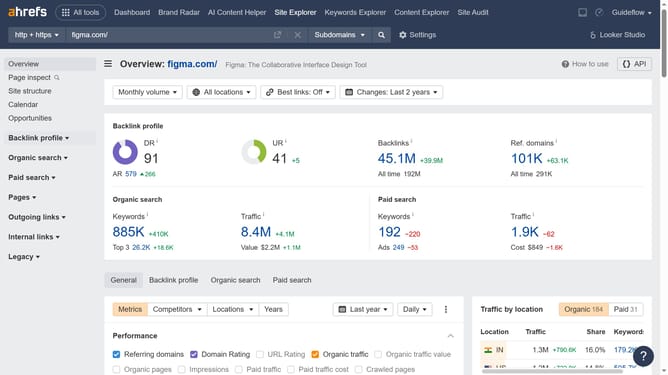
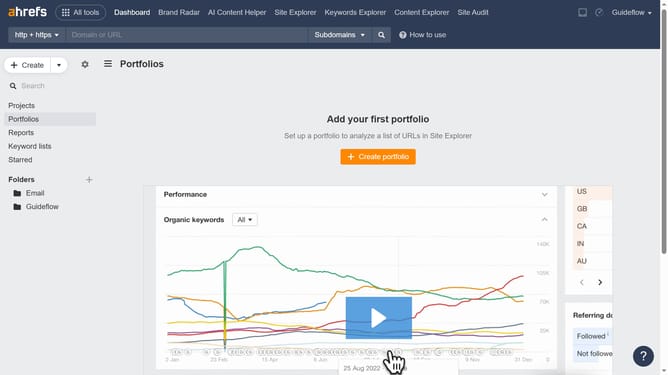
- First click on the "Site Explorer" link in the top navigation menu
- Then click in the "Domain or URL" search field in the main search area
- Next type website in the "Domain or URL" search field
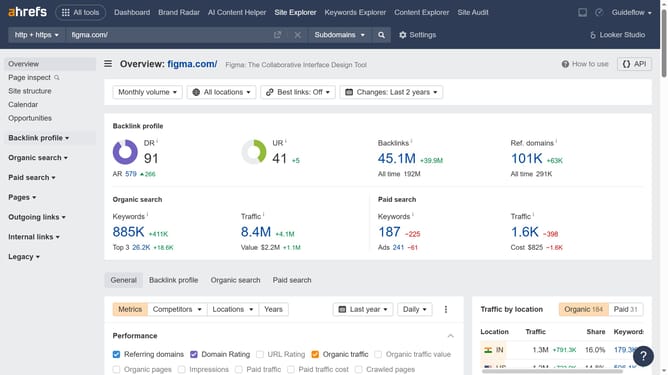
- Then click the search button in the search area
- Next click on "Organic keywords" in the left sidebar menu
- Then click on the "KD" filter button in the filter toolbar
- Set the "from" and "to" values for your keyword filter to define the desired range
- Then click the "Apply" button
- Finally click the "Show results" button to apply the KD filter
Why should you filter low-difficulty keywords in Ahrefs
Ahrefs is a powerful SEO tool designed to elevate your website's search engine visibility and domain authority.
One of its invaluable features is the ability to filter low-difficulty keywords, allowing users to target terms that are easier to rank for. This feature simplifies the process of identifying keywords that have less competition, providing a strategic edge in SEO campaigns.
Utilizing low-difficulty keywords can significantly enhance content strategies, improving visibility and website traffic with fewer resources. The resulting boost in traffic can lead to higher conversion rates and greater online presence.
Last update