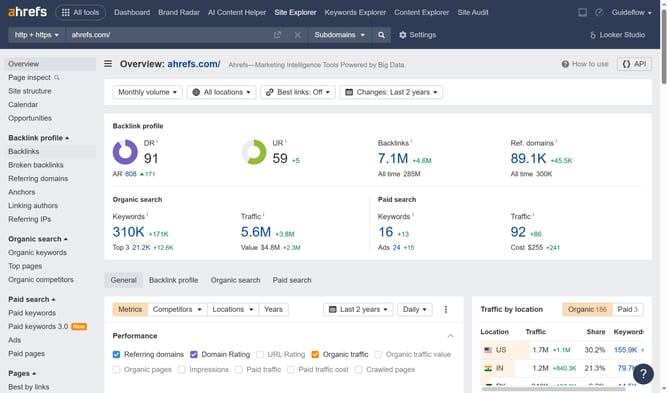
How to check the domain rating of referring domains in Ahrefs
Here is how to check the domain rating of referring domains in ahrefs
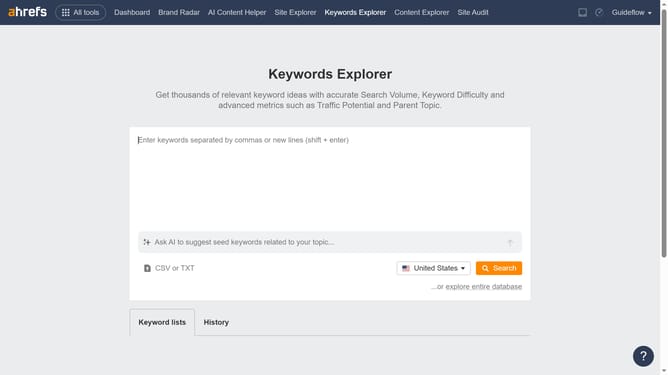
- First click on "Site Explorer" in the top navigation menu
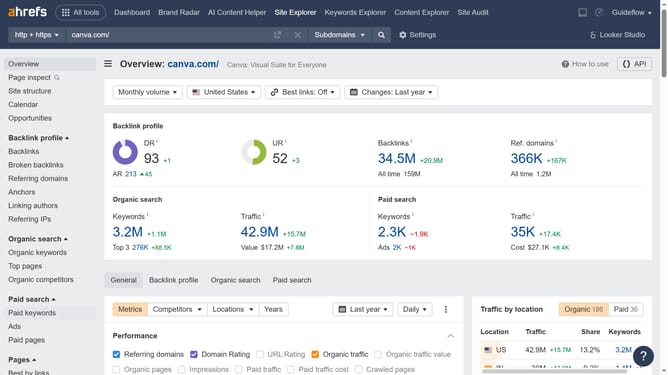
- Enter the domain in the URL search field on the Site Explorer page
- Click the "Search" button to analyze the domain
- Click on "Referring domains" in the left sidebar menu
- You will see the domain rating in the "DR" column next to the domain
Why should you check the domain rating of referring domains in Ahrefs
Ahrefs is a powerful SEO tool designed to boost your website's search performance through comprehensive analysis.
Checking the domain rating of referring domains in Ahrefs helps you gauge the quality and authority of websites linking to yours. This metric offers insights into the strength of these backlinks, aiding in better strategic planning.
Understanding referring domain authority helps prioritize relationships with high-quality sites, enhancing your overall SEO strategy and improving search visibility.
Last update