How to download organic competitors data in Ahrefs
Here is how to download organic competitors data in ahrefs
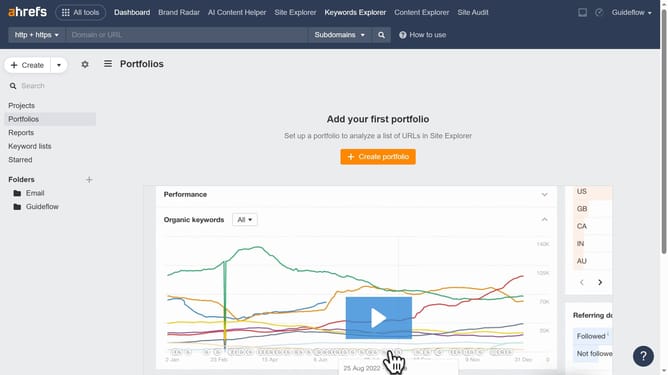
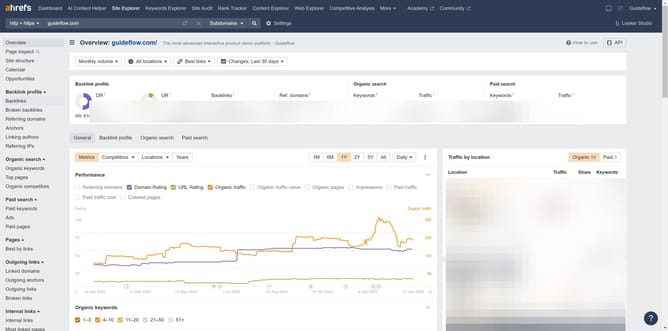
- First click on "Site Explorer" in the top navigation menu
- Enter the domain in the URL search field on the Site Explorer page
- Click the "Search" button to analyze the domain
- Click on "Organic competitors" in the left sidebar menu
- Click on the "Export" button in the top-right corner of the organic competitors table
- Finally click the "Export" button after choosing the desired format
Why should you download organic competitors data in Ahrefs
Ahrefs is a comprehensive SEO tool that helps users enhance their website's performance.
Downloading organic competitors' data in Ahrefs is a powerful feature that grants insights into the strategies of top-performing competitors.
This feature allows businesses to identify which keywords drive traffic to their rivals and spot potential opportunities that may have been overlooked.
Armed with this knowledge, businesses can enhance their content strategy, optimize their marketing efforts, and gain a competitive edge.
Last update