How to find backlinks to specific pages in Ahrefs
Here is how to find backlinks to specific pages in ahrefs
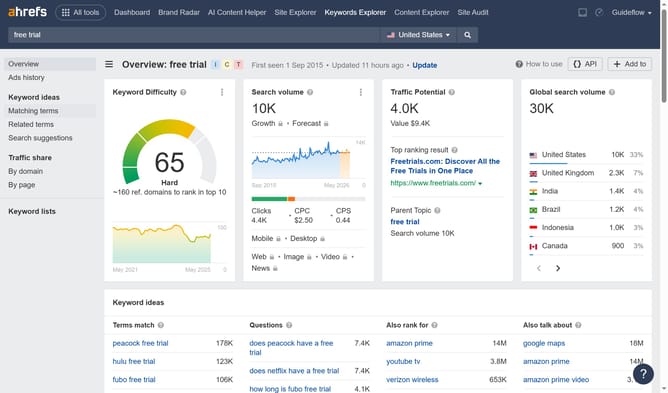
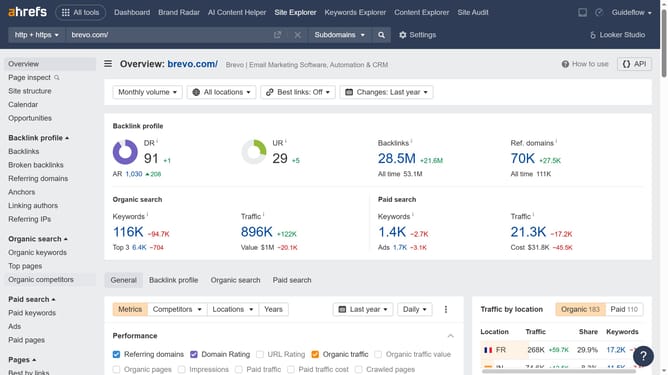
- First click on "Site Explorer" in the top navigation menu
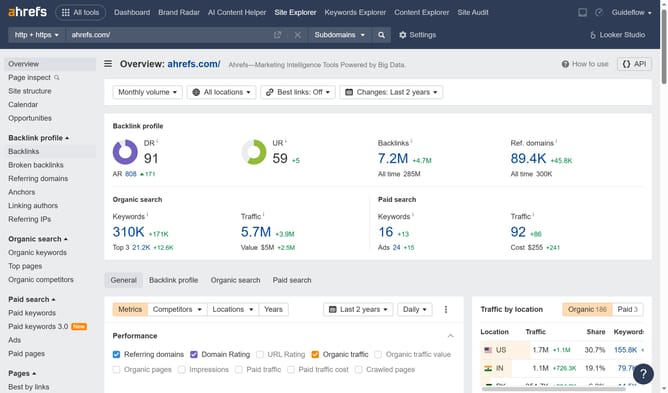
- Click on the input field and paste the URL of the specific page you want to check
- Click the orange search button to analyze the page
- In the left sidebar menu, click on "Backlinks" under the Backlink profile section
Why should you find backlinks to specific pages in Ahrefs
Ahrefs is a powerful tool designed to enhance SEO strategies by providing insightful data on backlinks and keyword rankings.
One of its standout features is the ability to locate backlinks to specific pages with precision. By accessing this information, users can easily understand which external sites are linking back to their content.
This capability is invaluable for enhancing link-building strategies, identifying high-value backlinks, and refining overall SEO efforts, ultimately leading to improved search engine visibility.
Last update