Ahrefs
Ahrefs is an SEO toolset for backlink analysis, keyword research, and competitive insights.
Website
Industry
SEO
Share this article:

How to filter keyword ideas by local search volume in Ahrefs

Here is how to filter keyword ideas by local search volume in ahrefs

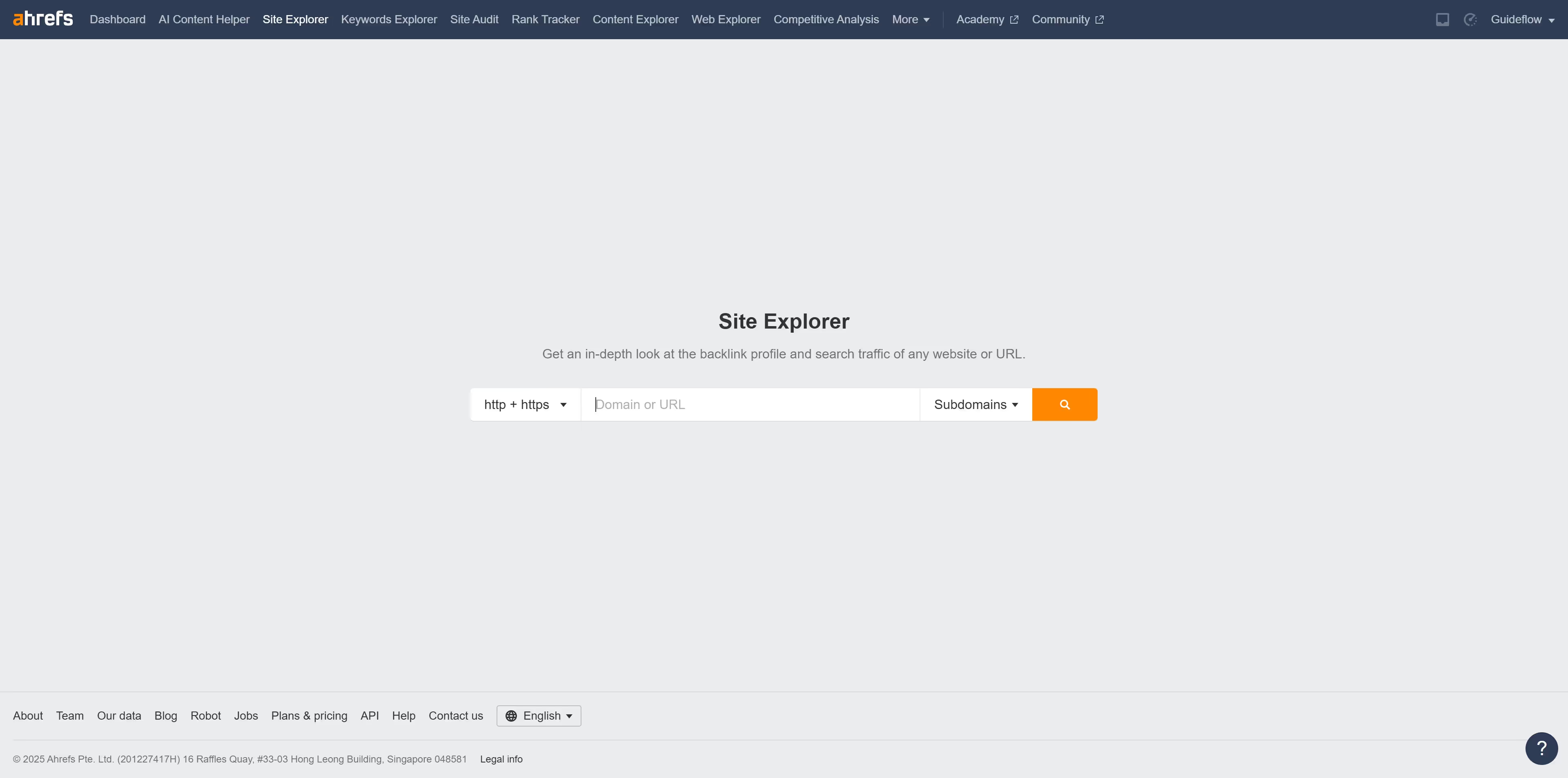
  1. First click on "Keywords Explorer" in the top navigation menu
  2. Enter the keyword you want to analyze into the search bar
  3. Next click on the "Search" button to view keyword metrics and analysis
  4. Click on "Matching terms" in the left sidebar menu
  5. Click on the "Volume" filter button in the filter toolbar
  6. Set the "From" and "To" values for your volume filter to define the desired range
  7. Then click the "Apply" button
  8. Click "Show results" button to apply the volume filter

Create your own interactive guide with Guideflow

Why should you filter keyword ideas by local search volume in Ahrefs

Ahrefs is a comprehensive SEO tool designed to enhance online visibility through insightful data analysis.

One of its standout features allows users to filter keyword ideas by local search volume, offering targeted results specific to geographical areas.

This ability to hone in on regional data is invaluable for businesses aiming to capture local markets, ensuring that content aligns with the search behavior of nearby audiences.

This targeted approach increases the effectiveness of SEO strategies by focusing efforts on the most relevant and actionable keywords, maximizing reach and engagement.


Last update
June 16, 2026
Cursor MariaA cursor points to a button labeled "James."

Create your first demo in less than 30 seconds.