How to identify high-traffic organic keywords in Ahrefs
Here is how to identify high-traffic organic keywords in ahrefs
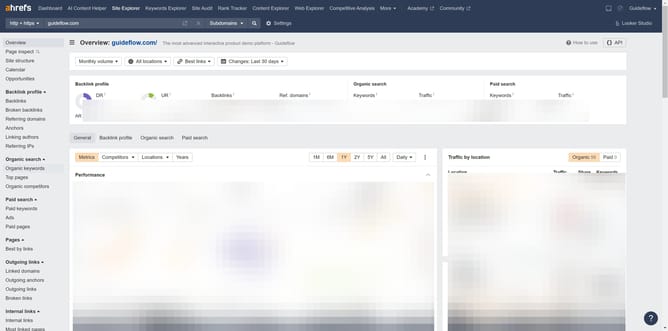
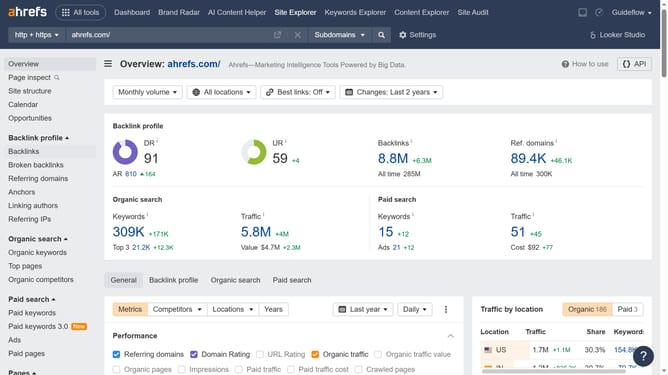
- Click on "Site Explorer" in the top navigation menu
- Click in the "Domain or URL" search box in the center of the page
- Type the name of the domain in the search box
- Click the orange search button to analyze the domain
- Click on "Organic keywords" in the left sidebar menu under the "Organic search" section
- Click on "Traffic" to sort the table and display the highest traffic values first
Why should you identify high-traffic organic keywords in Ahrefs
Ahrefs is a powerful SEO tool designed to enhance your online visibility by providing insightful data.
When it comes to identifying high-traffic organic keywords in Ahrefs, it offers a comprehensive analysis of keyword performance and potential. By leveraging this feature, users gain a clear understanding of which words drive the most traffic to their website.
Utilizing high-traffic keywords not only boosts your search rankings but also attracts a more targeted audience, ultimately increasing the chances of conversion and growth for your business.
Last update