How to set up custom date ranges in Ahrefs
Here is how to set up custom date ranges in ahrefs
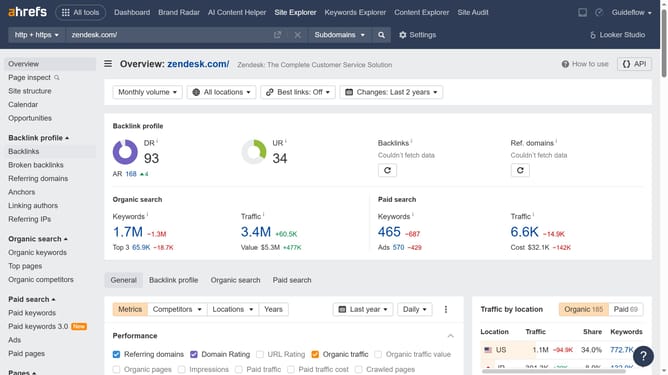
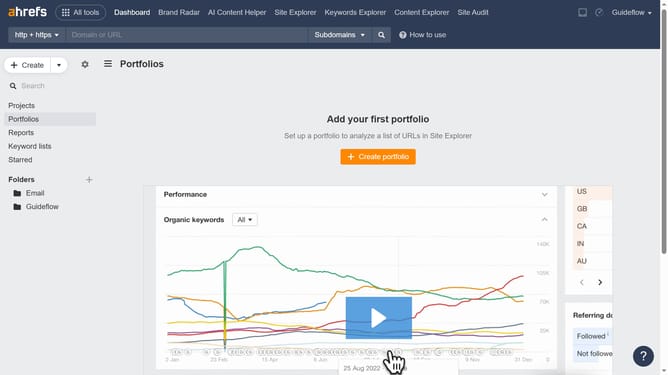
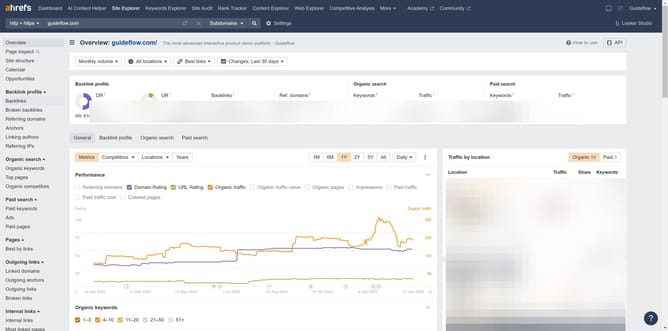
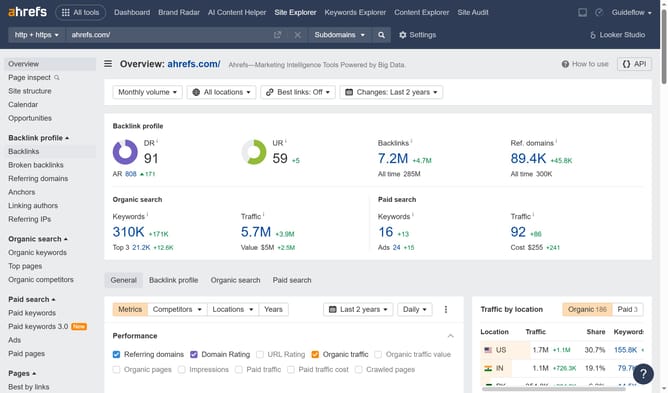
- First click on the "Site Explorer" tab in the top navigation menu
- Then click in the domain input field to enter a URL
- Enter the domain in the input field
- Click the search button to analyze the domain
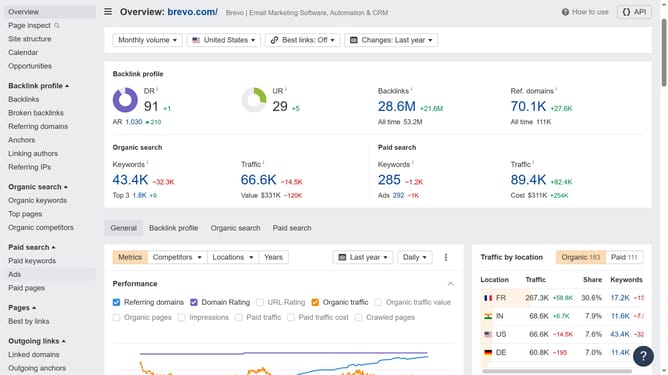
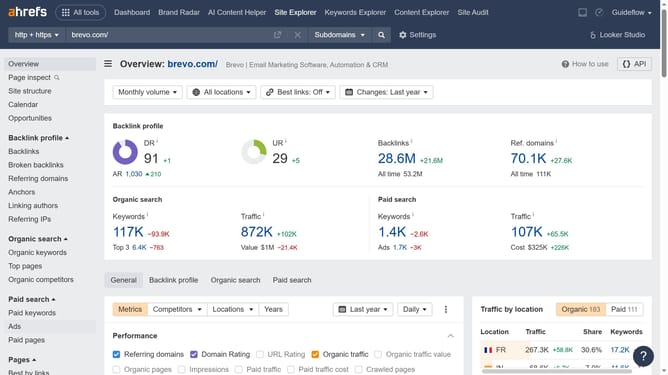
- In the left sidebar menu, click on "Top pages" under the Organic search section
- Click the date range dropdown
- Select "Custom range" from the dropdown menu
- In the calendar popup, select your desired start and end dates
- Finally, click the "Apply" button to update the date range
Why should you set up custom date ranges in Ahrefs
Ahrefs is a powerful tool designed to enhance your SEO strategy by providing comprehensive data and analysis.
Setting up custom date ranges in Ahrefs allows you to tailor data reports to specific time periods that matter most to your business objectives.
This feature is particularly beneficial for tracking changes in keyword rankings, understanding seasonal trends, and evaluating the success of your SEO campaigns over custom timeframes.
Using custom date ranges offers flexible and relevant insights, empowering you to make informed decisions with precision.
Last update