How to filter lost backlinks in Ahrefs
Here is how to filter lost backlinks in ahrefs
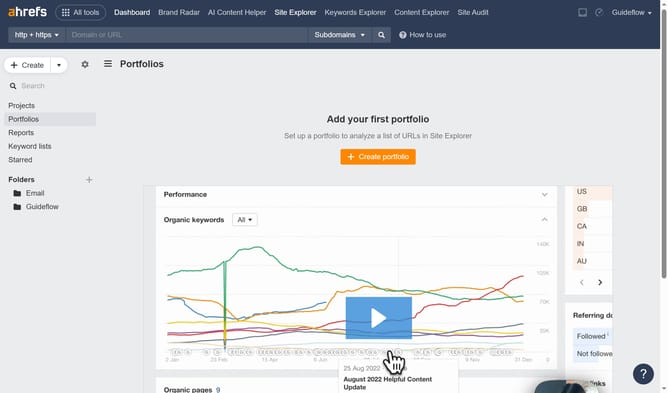
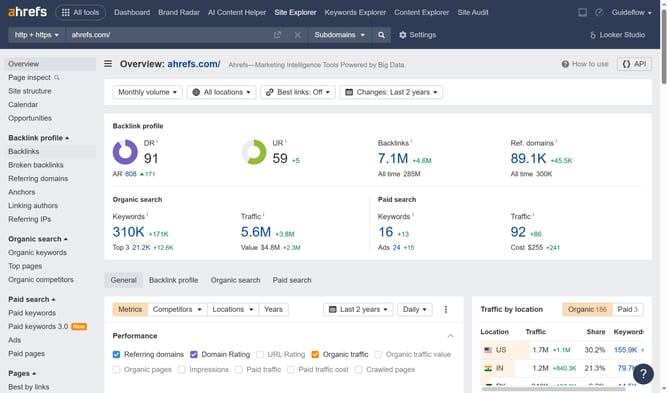
- In the top navigation menu, click on "Site Explorer" tab
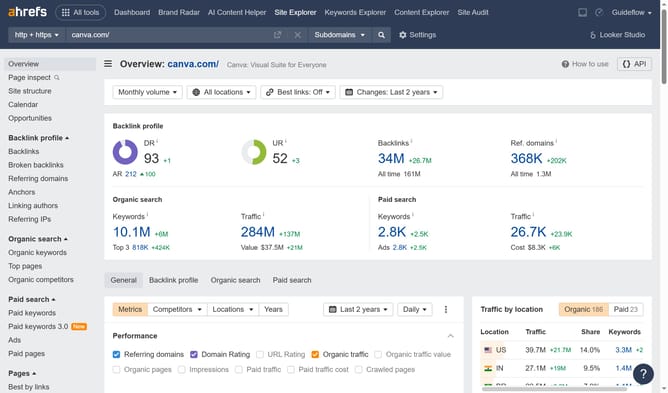
- Click on the domain input field in the search bar and enter a URL
- Click the "Search" button
- In the left sidebar menu, click on "Backlinks" under the Backlink profile section
- Click on the "Lost" filter tab in the backlinks view to see removed backlinks
Why should you filter lost backlinks in Ahrefs
Ahrefs is a powerful SEO toolset designed to enhance your website's search engine visibility.
A unique feature in Ahrefs is its ability to filter lost backlinks effectively. By utilizing this feature, users can easily identify which backlinks have been removed or are no longer active, allowing for swift action.
Understanding and managing lost backlinks is crucial as it helps maintain your site's domain authority and ensures sustained traffic flow. This insight supports strategic backlink rebuilding to bolster your SEO strategy.
Ultimately, filtering lost backlinks empowers users to maintain a strong and competitive online presence.
Last update