How to compare page performance in Ahrefs
Here is how to compare page performance in ahrefs
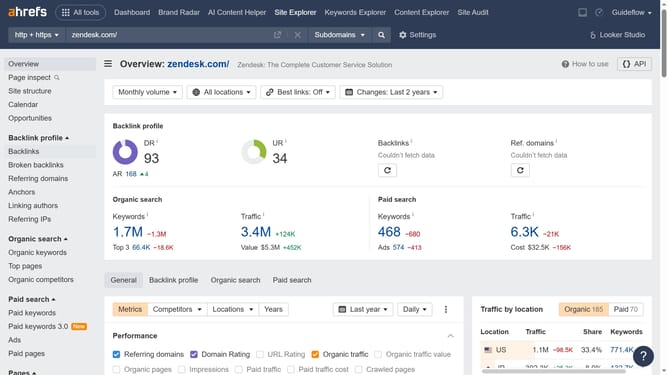
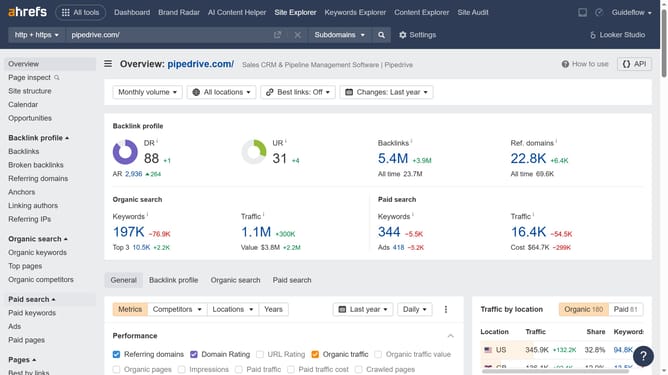
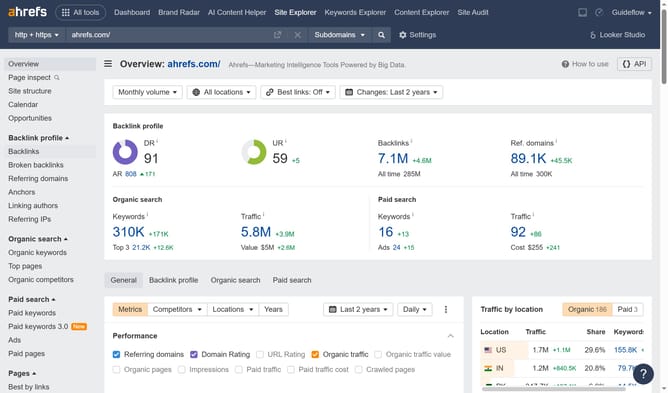
- First click on "Site Explorer" in the top navigation menu
- Then click on the URL input field in the search box
- Enter the URL in the input field
- Click the search button in the search box
- Then click on "Top pages" in the left sidebar menu
- Finally click on "Compare pages" tab in the main content area
Why should you compare page performance in Ahrefs
Ahrefs is a powerful tool designed to enhance your SEO strategy by providing in-depth data and insights.
Comparing page performance in Ahrefs helps you understand which of your web pages are most effective and why. By analyzing metrics such as traffic, backlinks, and keyword rankings, you can pinpoint what drives results and modify your strategies accordingly.
This feature is invaluable for identifying trends and optimizing underperforming pages, leading to improved user engagement and higher search engine rankings.
Last update