How to add paid keyword filters in Ahrefs
Here is how to add paid keyword filters in ahrefs
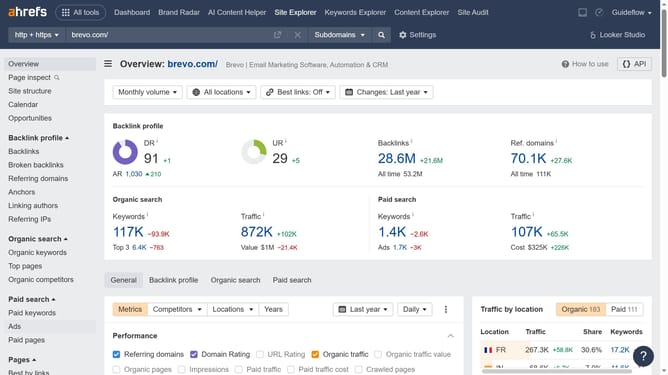
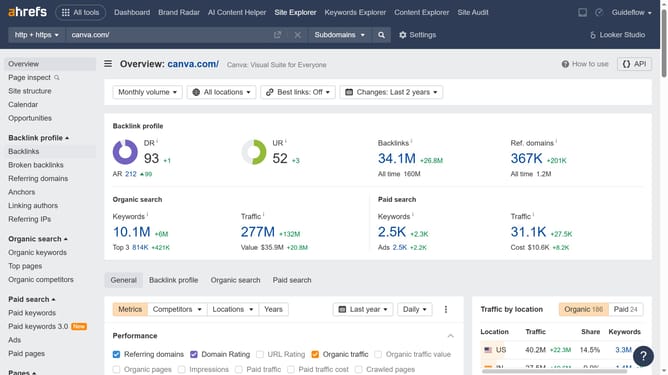
- First click on "Paid keywords" in the left sidebar menu to access the paid keywords section
- Then click on "Add filter" button in the filter bar at the top of the page
- Next click the desired filter option from the dropdown filter menu
- Next click the "Apply" button
- Finally click on "Show results" button to apply the keyword filter
Why should you add paid keyword filters in Ahrefs
Ahrefs is a comprehensive tool designed to enhance and simplify your SEO and marketing efforts through valuable insights.
Adding paid keyword filters in Ahrefs allows you to streamline your keyword research by focusing on terms with paid search volumes. This useful feature helps in targeting profitable keywords that attract advertisers' interests and boosts organic strategies.
By focusing on keywords that have proven monetary value, you can enhance your strategy by prioritizing terms that deliver tangible search results, ultimately increasing your competitive edge in the market.
Last update