How to check organic traffic trends in Ahrefs
Here is how to check organic traffic trends in ahrefs
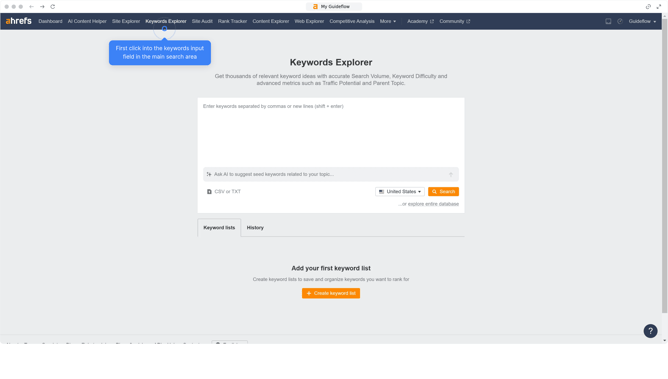
- First click on "Site Explorer" in the top navigation menu
- Then click on the URL input field in the search bar
- Next enter "figma.com" in the URL input field
- Then click the search button in the search bar
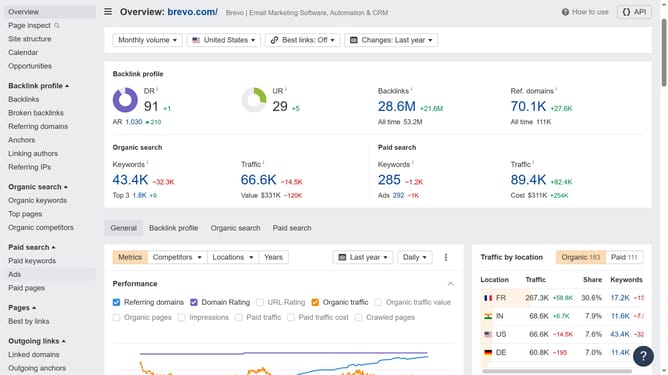
- In the left sidebar menu, click on "Top pages" under the Organic search section
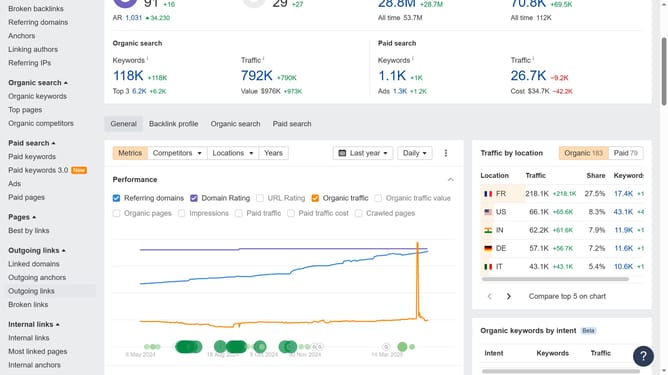
- Next click on "Organic traffic" checkbox in the Performance metrics
- Finally, click on the point in the graph where there is a spike to highlight it and check the trend
Why should you check organic traffic trends in Ahrefs
Ahrefs is a powerful SEO tool designed to enhance online visibility and track metrics.
One of its standout features is the ability to check organic traffic trends, which provides invaluable insights into website performance over time.
Understanding these trends helps you identify growth opportunities and adapt strategies effectively, ensuring sustained traffic improvements.
Utilizing this feature in Ahrefs supports data-driven decisions, leading to optimized content strategies and enhanced competitive edge.
Last update