How to export keyword data in Ahrefs
Here is how to export keyword data in ahrefs
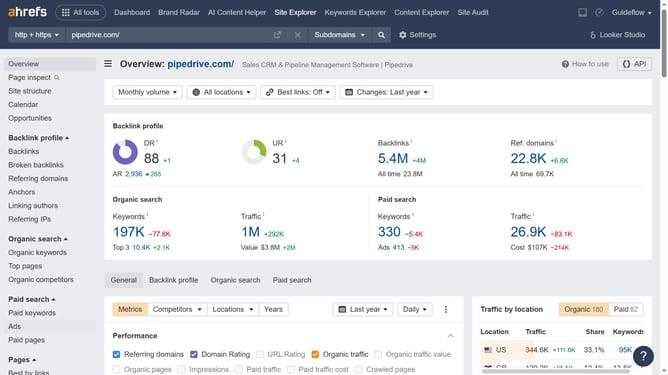
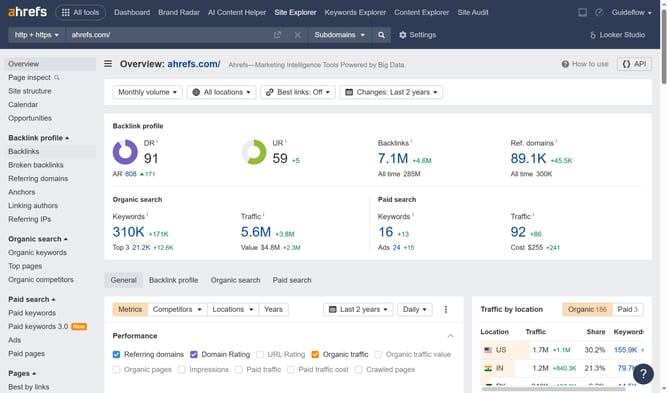
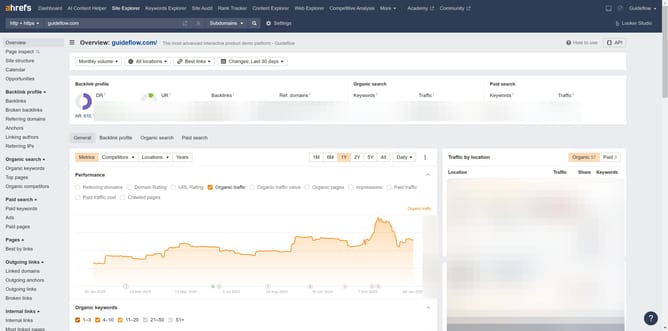
- First click on "Site Explorer" in the top navigation menu
- Click on the "Domain or URL" search field in the main search bar
- Type or paste the URL in the search field
- Click the search button to analyze
- In the left sidebar, click on "Organic keywords" under the "Organic search" section
- Click on the "Export" button in the top-right corner of the data table
- Select "CSV" format option in the export dialog
- Click the orange "Export" button to download the data
Why should you export keyword data in Ahrefs
Ahrefs is a powerful tool designed to enhance your SEO strategy by offering comprehensive data analysis.
One invaluable feature is its ability to export keyword data. This allows you to harness valuable insights by analyzing keywords thoroughly in external software like Excel or Google Sheets. It gives you a chance to sort, filter, and strategize your keyword approach more effectively.
By exporting keyword data, you get to tailor your plans and optimize your content by focusing on what truly matters for your SEO performance, making your analysis both versatile and efficient.
Last update