Ahrefs
Ahrefs is an SEO toolset for backlink analysis, keyword research, and competitive insights.
Website
Industry
SEO
Share this article:

How to export new inbound links reports in Ahrefs

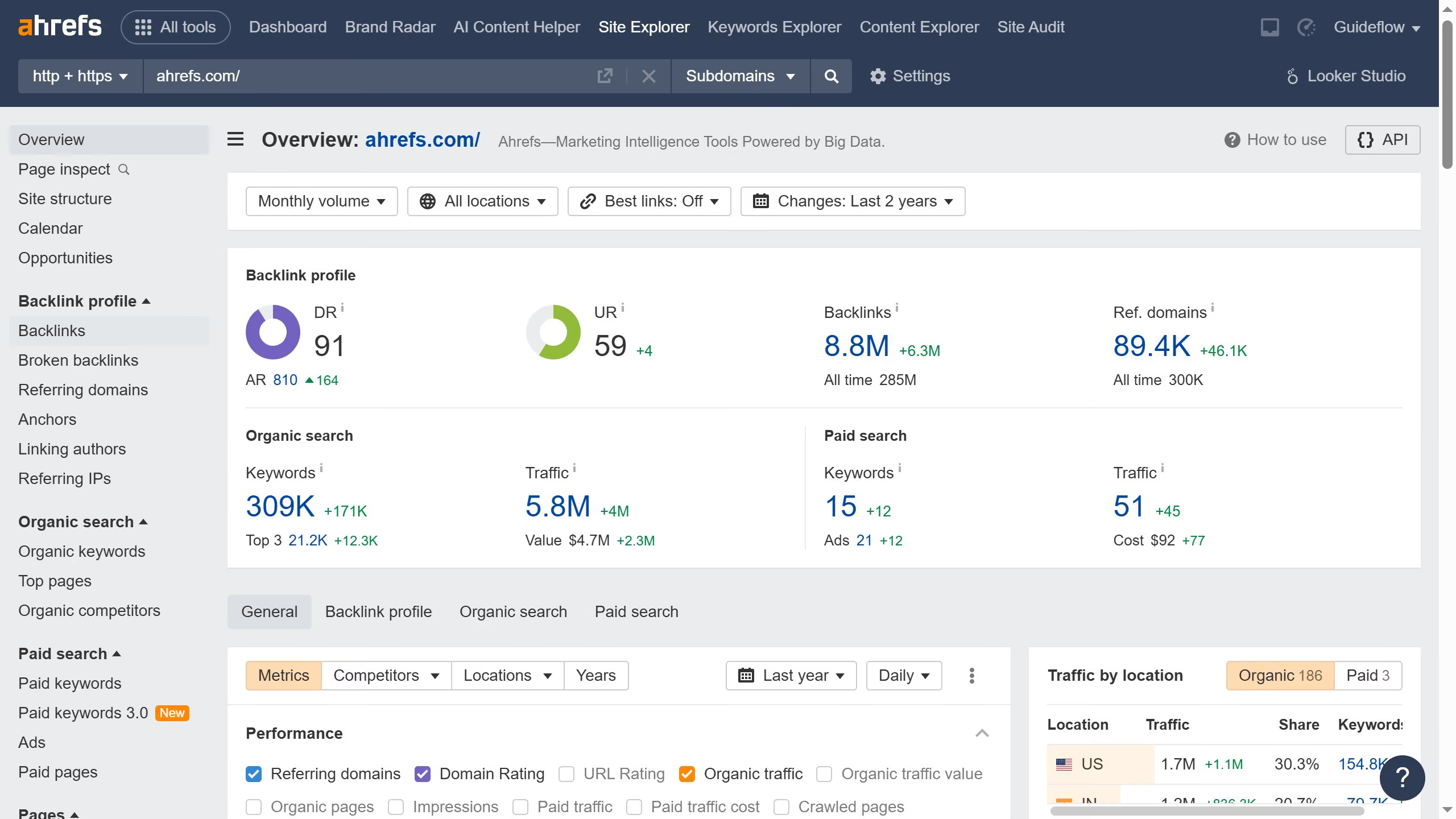
Here is how to export new inbound links reports in ahrefs

  1. In the left sidebar, click on the "Backlinks" option under the Backlink profile section
  2. Click on the "New" filter button in the filter bar to show only new backlinks
  3. Click on the "Export" button located in the top-right corner of the backlinks table
  4. In the Export modal window, click the "Export" button to download the backlinks data in CSV format

Create your own interactive guide with Guideflow

Why should you export new inbound links reports in Ahrefs

Ahrefs is a powerful tool designed to boost your SEO by providing in-depth analysis of online marketing strategies.

One standout feature is the ability to export new inbound links reports effortlessly. This feature empowers users to keep track of the latest backlinks, which are critical for elevating your site's authority and visibility.

Maintaining an up-to-date analysis helps uncover opportunities to strengthen your link-building strategy. By exporting these reports, you can easily share insights with stakeholders, aiding in strategic decision-making.

Overall, Ahrefs simplifies the process of monitoring link growth, which is crucial for enhancing your online presence.


Last update
June 16, 2026
Cursor MariaA cursor points to a button labeled "James."

Create your first demo in less than 30 seconds.