Ahrefs
Ahrefs is an SEO toolset for backlink analysis, keyword research, and competitive insights.
Website
Industry
SEO
Share this article:

How to download lists of dofollow inbound links in Ahrefs

Here is how to download lists of dofollow inbound links in ahrefs

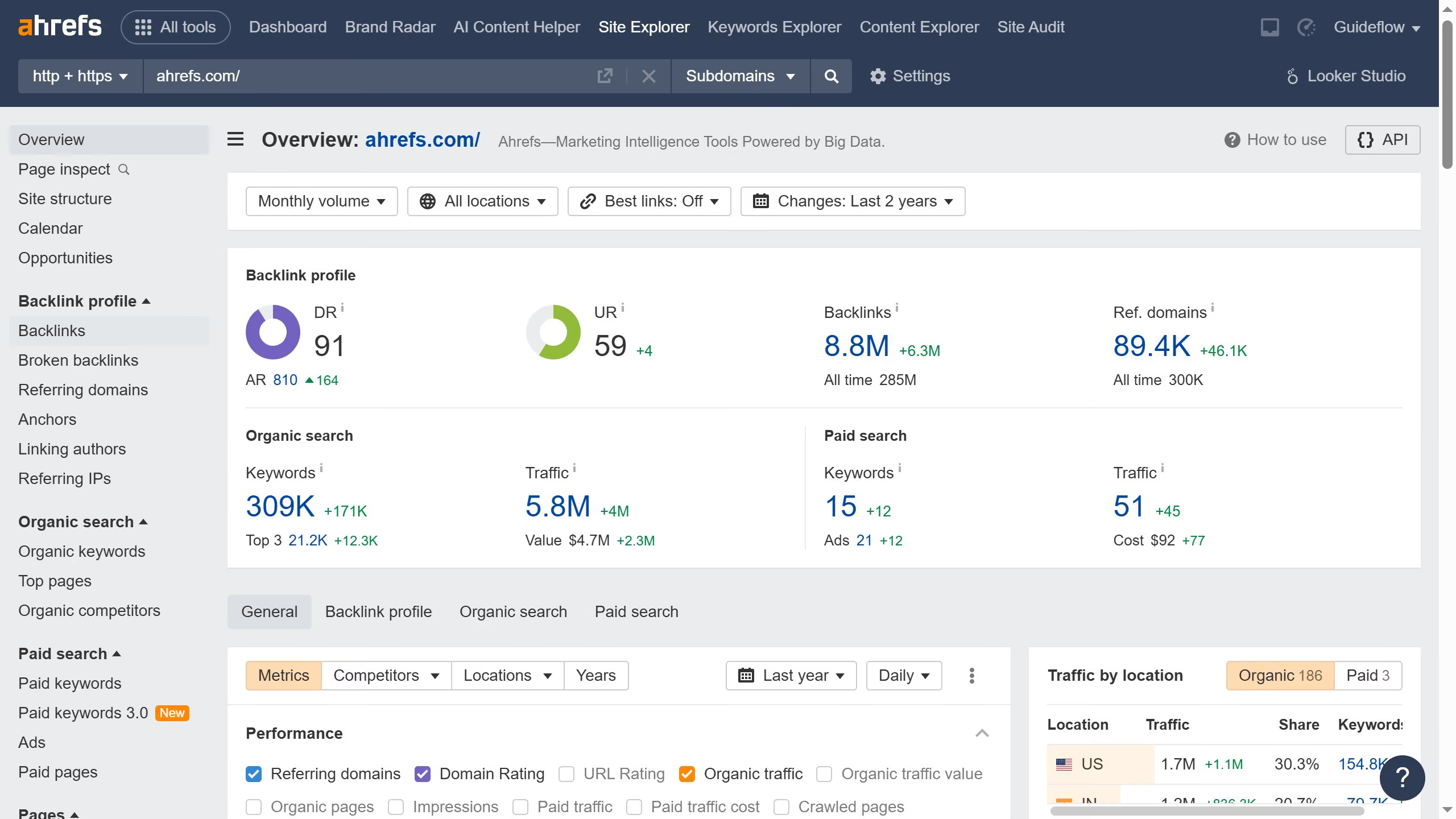
  1. First click on the "Backlinks" item in the left sidebar menu under the Backlink profile section
  2. Then click on "Dofollow" filter in the top filter bar
  3. Next click on the "Show results" button in the filter section
  4. Then click on the "Export" button in the top right corner of the results table
  5. In the export dialog, select the desired format and click the "Export" button

Create your own interactive guide with Guideflow

Why should you download lists of dofollow inbound links in Ahrefs

Ahrefs is a cutting-edge tool designed for digital marketers to enhance their SEO strategies by providing comprehensive backlink data.

One standout feature of Ahrefs is the ability to download lists of dofollow inbound links, which are essential for understanding and improving your website's authority. By having these insights at your fingertips, you can pinpoint high-quality linking domains that boost your site’s search engine ranking.

Using this feature allows marketers to make informed decisions, optimize strategies, and drive more organic traffic to their websites. It's an invaluable resource for anyone serious about improving their online visibility.


Last update
June 16, 2026
Cursor MariaA cursor points to a button labeled "James."

Create your first demo in less than 30 seconds.