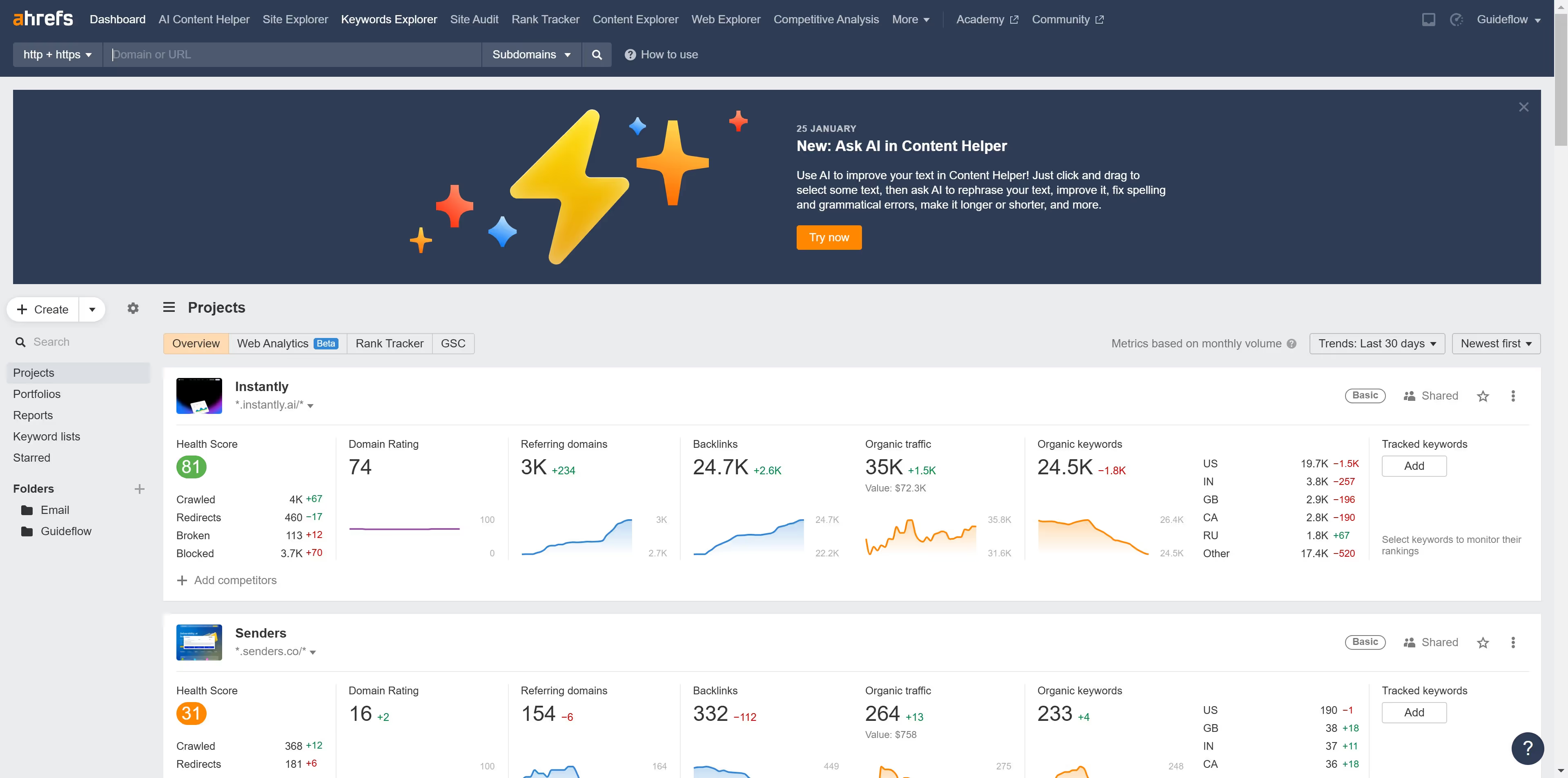
Ahrefs
Ahrefs is an SEO toolset for backlink analysis, keyword research, and competitive insights.
Website
Industry
SEO
Share this article:

How to find low KD keywords in Ahrefs

Here is how to find low kd keywords in ahrefs

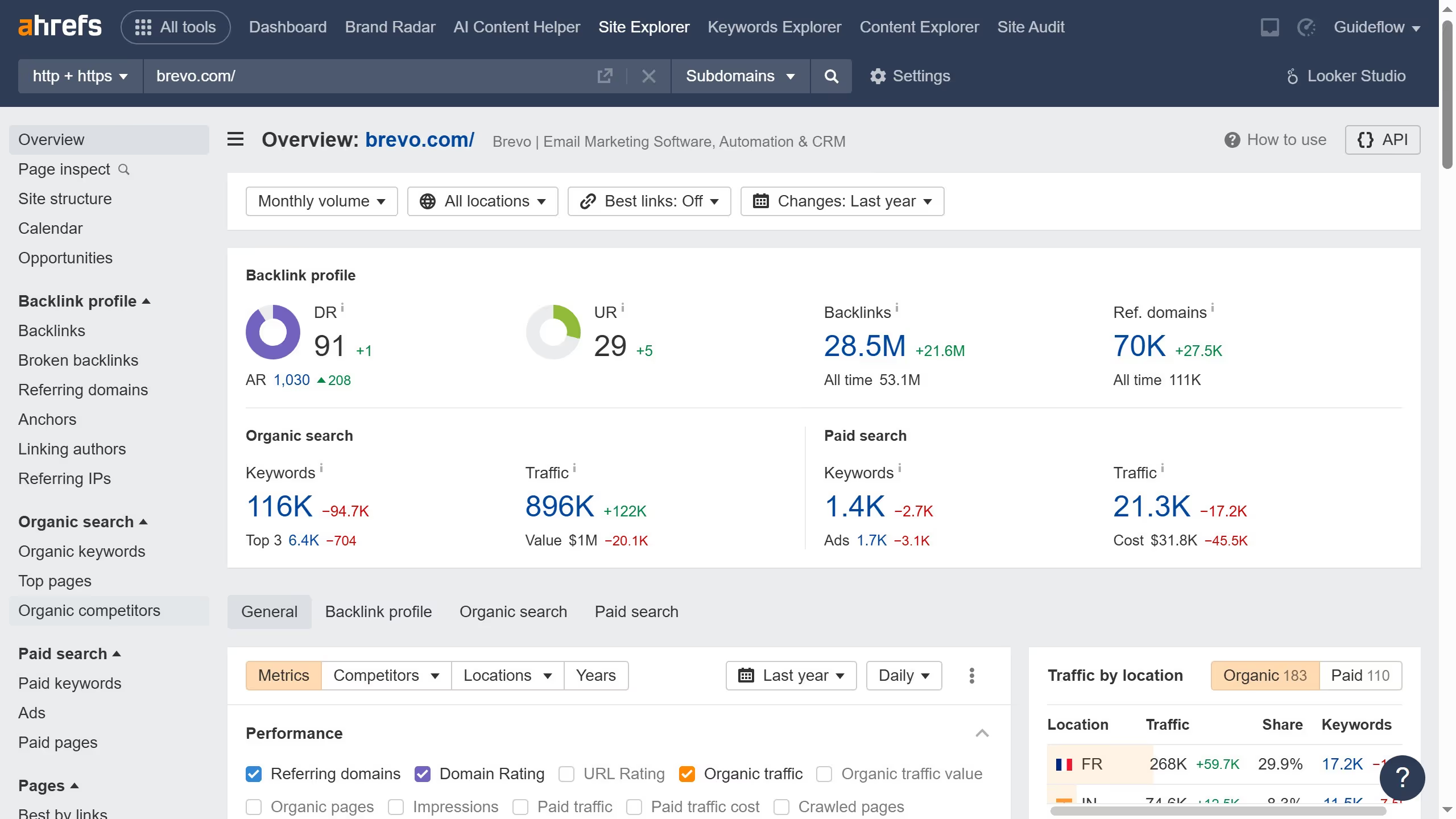
  1. First navigate to the Ahrefs Keywords Explorer from the top navigation menu
  2. Then enter a broad topic or seed keyword
  3. Next click the "Search" button to analyze the keyword
  4. Click on "Matching terms" in the left sidebar menu
  5. Click on the "KD" dropdown filter in the toolbar
  6. Set a low KD range for your filter such as 0–10
  7. Then click the "Apply" button
  8. Finally click the "Show results" button to apply the KD filter

Create your own interactive guide with Guideflow

Why should you find low KD keywords in Ahrefs

Ahrefs is a robust tool designed to enhance your SEO strategy by analyzing your competitors and identifying valuable keyword opportunities.

One of its indispensable features is finding low Keyword Difficulty (KD) keywords. These keywords are easier to rank for, giving you a competitive edge without the struggle of high-competition phrases.

Utilizing low KD keywords can significantly increase your visibility and drive targeted traffic to your website, boosting both engagement and growth potential.


Last update
June 16, 2026
Cursor MariaA cursor points to a button labeled "James."

Create your first demo in less than 30 seconds.