How to organize keywords by Informational intent in Ahrefs
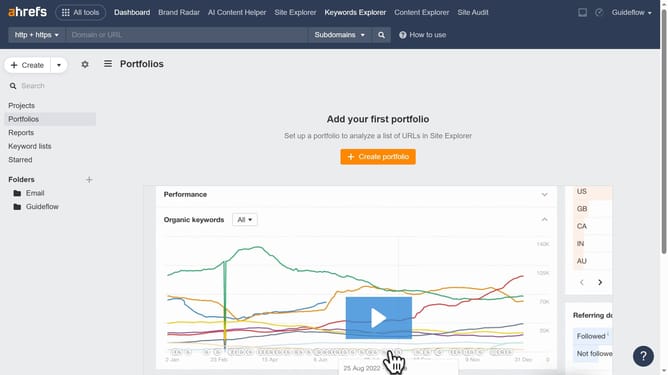
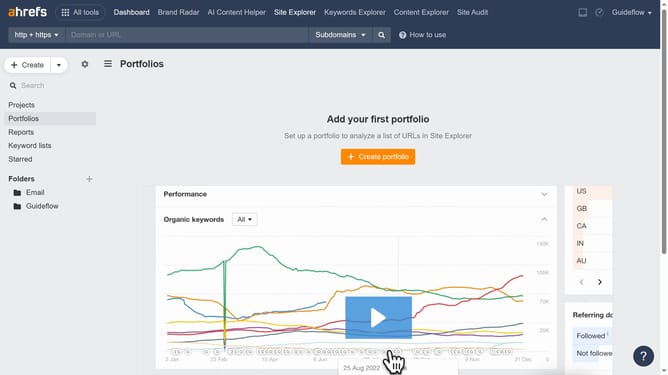
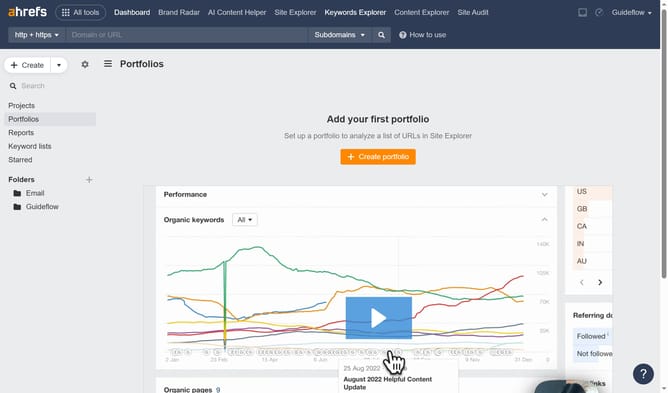
Here is how to organize keywords by informational intent in ahrefs
- First click on "Matching terms" in the left sidebar menu
- Then click on "Intents" dropdown in the filter toolbar
- Next click on "Informational" option in the Intents dropdown menu
- Then click "Apply" button to apply the filter
- Finally click "Show results" button to display the filtered results
Why should you organize keywords by Informational intent in Ahrefs
Ahrefs is a powerful tool designed to enhance your online presence by optimizing your website's performance.
One of its standout features is the ability to organize keywords by informational intent, allowing users to tailor content that meets specific searcher needs.
This approach is crucial for targeting users seeking knowledge, thereby increasing engagement and attracting quality traffic.
Harnessing this feature within Ahrefs ensures you deliver relevant, authoritative content, ultimately boosting search visibility and audience trust.
Last update