How to check organic keywords by country in Ahrefs
Here is how to check organic keywords by country in ahrefs
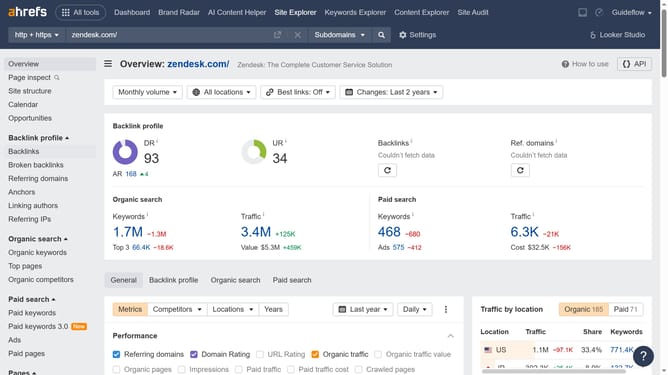
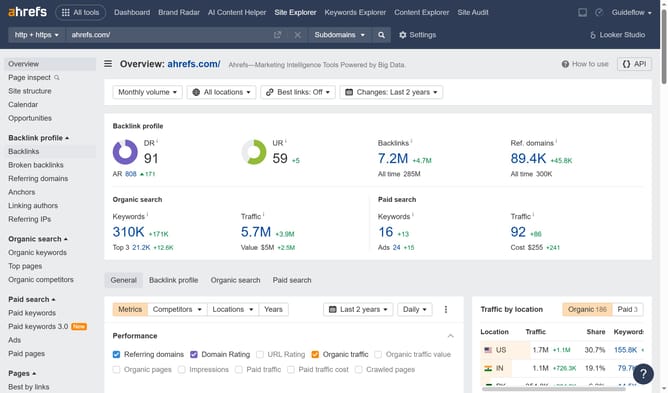
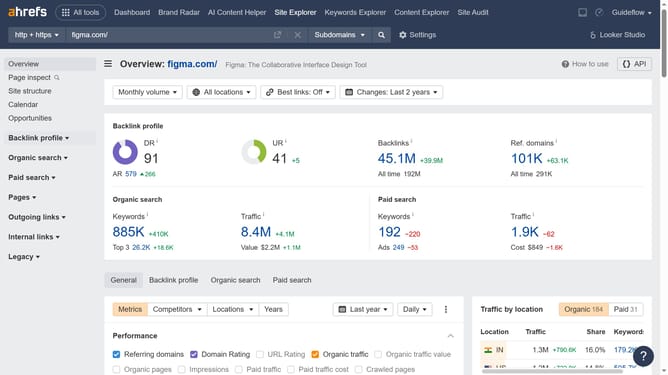
- First click on "Site Explorer" in the top navigation menu
- Then click in the "Domain or URL" search field and enter the domain name
- Next click the "Search" button
- Then click "Organic keywords" in the left sidebar menu
- Next click on the "All locations" dropdown filter in the top filter bar
- Then click desired country in the locations dropdown list
- Finally click the "Show results" button to apply the filter
Why should you check organic keywords by country in Ahrefs
Ahrefs is a powerful tool designed to enhance your SEO strategy by providing in-depth data analysis and insights.
One of its standout features is the ability to check organic keywords by country. This feature allows users to tailor their keyword strategy to specific markets, offering valuable insights into regional search trends.
By pinpointing which keywords perform well in different countries, businesses can optimize their content to better fit their target audience, increasing visibility and engagement globally.
Last update