How to analyze outbound links in Ahrefs
Here is how to analyze outbound links in ahrefs
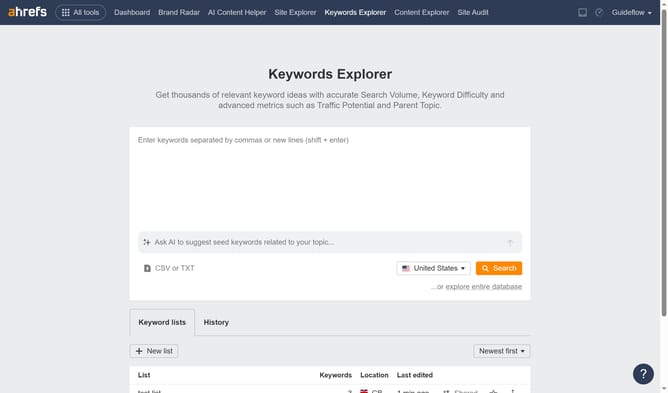
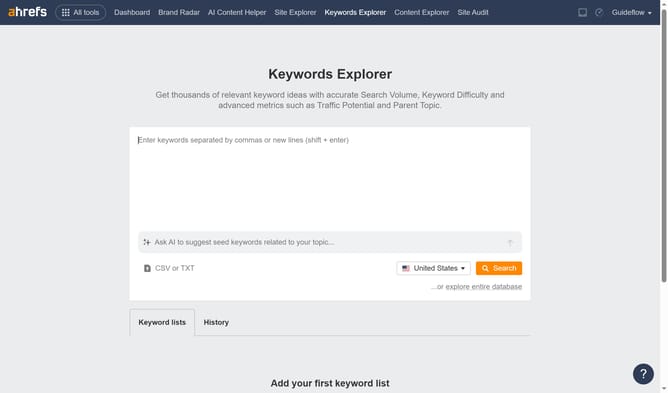
- First click on "Site Explorer" in the top navigation menu
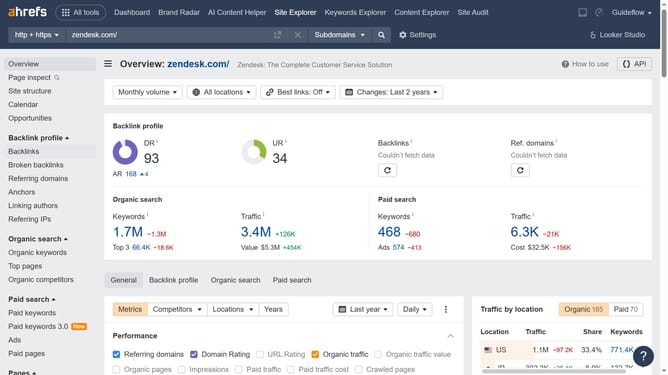
- In the search bar, click the domain input field to enter a URL
- Click the "Search" button to analyze the URL
- Click on "Outgoing links" in the left sidebar navigation
- Click on "Outgoing links" submenu item under the expanded outgoing links section
- Here you will find all the outbound links pointing to other websites from your website
Why should you analyze outbound links in Ahrefs
Ahrefs is a powerful tool for optimizing your website's SEO strategy by analyzing essential data.
Analyzing outbound links in Ahrefs allows you to keep track of where your site is directing its authority and traffic. This feature helps identify which external links can be optimized for better synergy with your SEO objectives.
By understanding your outbound link structure, you can enhance user experience and maintain relevance in search engine rankings. Analyzing these links ensures your site is building the right connections, ultimately supporting your site's growth.
Using Ahrefs to assess outbound links empowers you with knowledge to make informed decisions, improve content relationships, and strategically boost your site's performance.
Last update