How to view backlink history in Ahrefs
Here is how to view backlink history in ahrefs
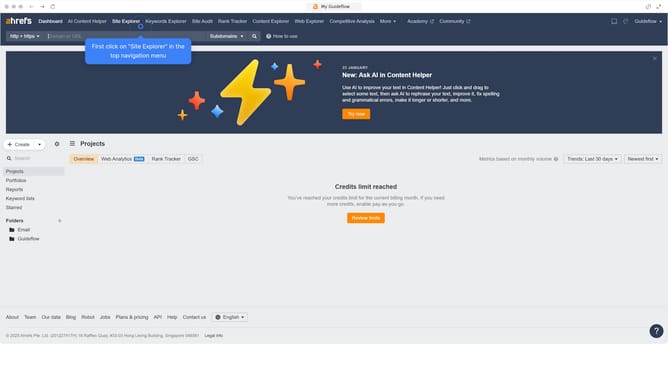
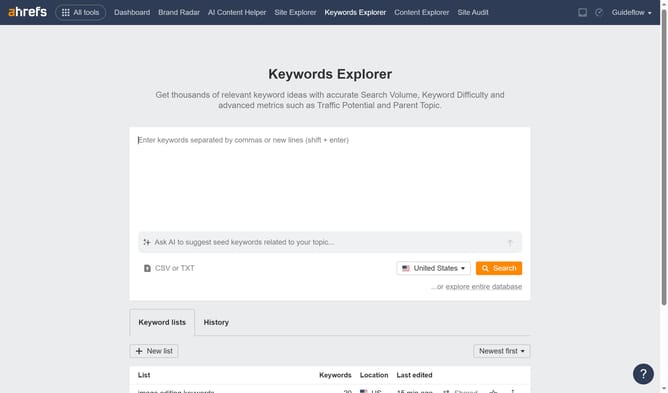
- First click on "Site Explorer" in the top navigation menu
- Click in the "Domain or URL" search field and enter the domain
- Click the "Search" button
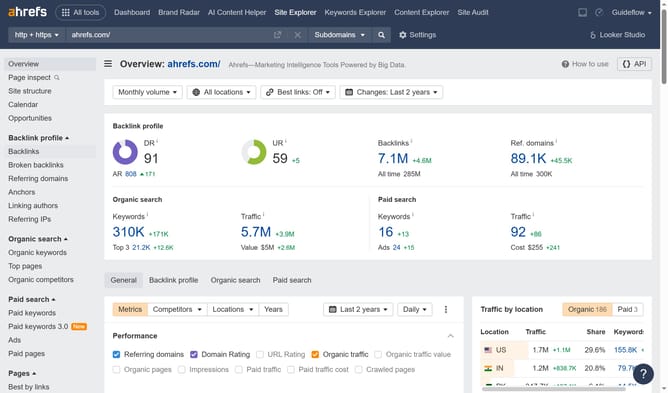
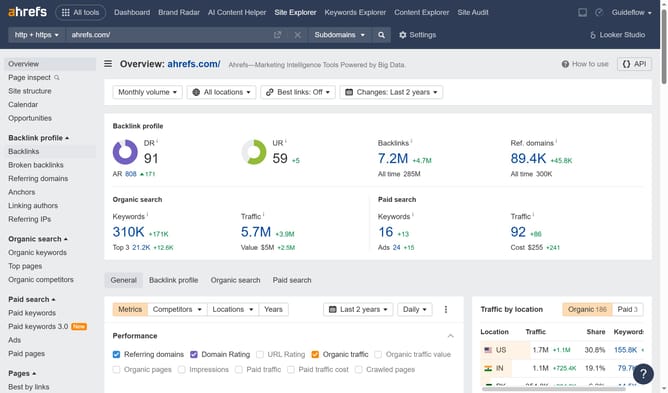
- Click on "Backlinks" in the left sidebar menu
- Click on "Show history" dropdown button in the backlinks view
- Select the desired option from the history dropdown menu
Why should you view backlink history in Ahrefs
Ahrefs is an all-in-one SEO toolset that empowers you to optimize your website's search performance.
Among its many robust features, viewing backlink history gives you a comprehensive view of how your site's backlink profile has evolved over time. This ability to track backlinks is essential for understanding the dynamics of your site's link building efforts.
Analyzing backlink history helps identify patterns, enabling more strategic decision-making in your SEO campaigns. This feature ensures that you have the data needed to fine-tune your approach and maintain a competitive edge.
Last update