How to add position tracking for keywords in Ahrefs
Here is how to add position tracking for keywords in ahrefs
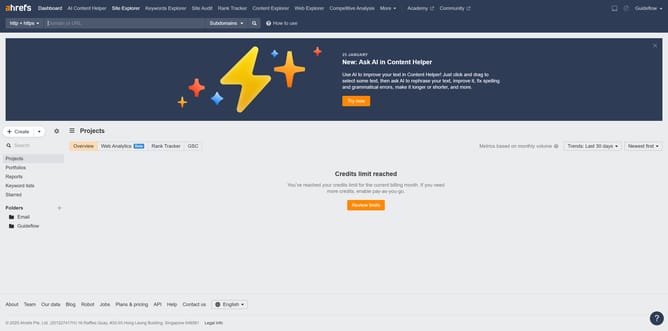
- First click on "Site Explorer" in the top navigation menu
- Then click in the "Domain or URL" search field in the center of the page
- Next type the domain in the search field
- Then click the search button to analyze the domain
- In the left sidebar, click on "Organic keywords" under the "Organic search" section
- Click on the "Position" filter button in the filter toolbar
- Set the "From" and "To" values for your position filter to define the desired range
- Click the "Apply" button
- Finally click the "Show results" button to apply the position filter
Why should you add position tracking for keywords in Ahrefs
Ahrefs is an advanced SEO toolset designed to help you optimize your website's search engine visibility.
Adding position tracking for keywords in Ahrefs allows you to monitor the performance and rankings of your keywords over time. This feature is vital for adjusting your SEO strategies based on real-time data.
By utilizing position tracking, you gain insights into keyword fluctuations, which helps maintain or improve your search engine rankings.
This empowers you to stay competitive, make informed decisions, and enhance your online presence efficiently.
Last update