How to export broken backlink data in Ahrefs
Here is how to export broken backlink data in ahrefs
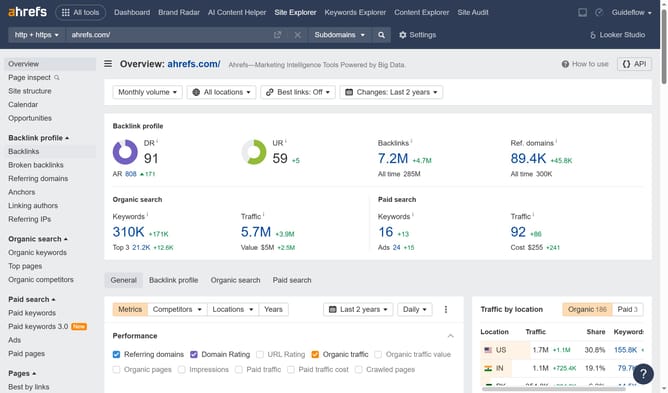
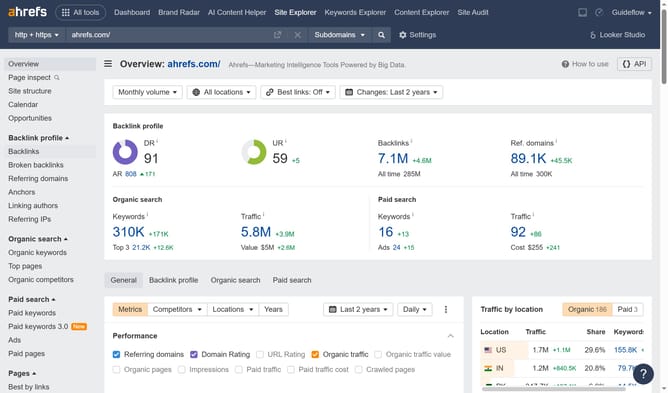
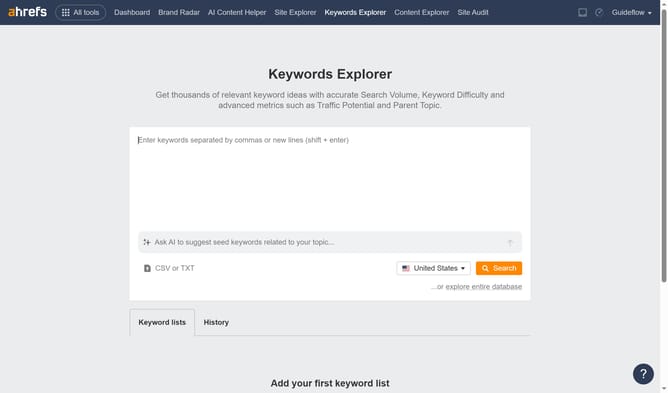
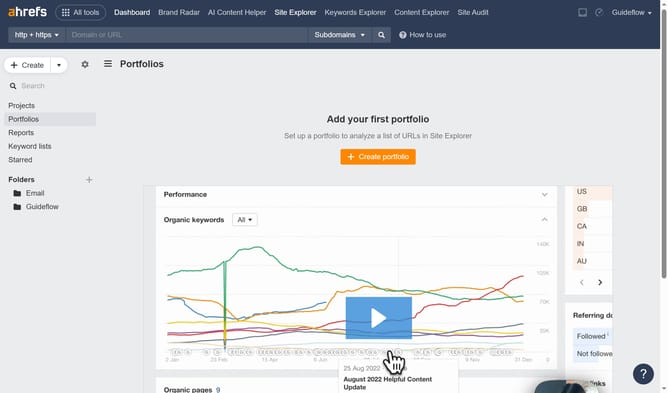
- First click on "Site Explorer" in the top navigation menu
- Then click on the URL input field in the center of the page to enter a domain
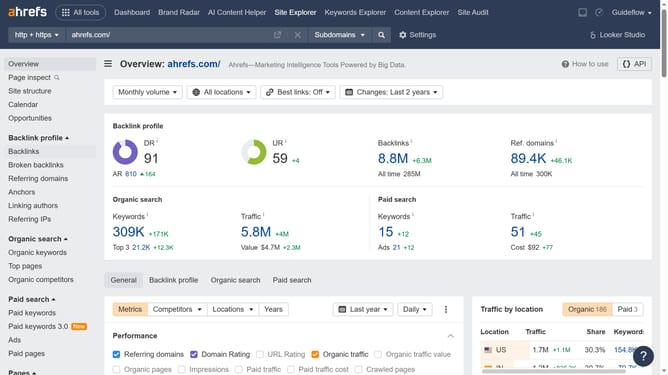
- Next click the "Search" button to analyze the domain
- In the left sidebar menu, click on "Broken backlinks" under the Backlink profile section
- Click the "Export" button in the top right corner of the broken backlinks table
- Select your desired format option and click the "Export" button in the dialog window
Why should you export broken backlink data in Ahrefs
Ahrefs is a comprehensive tool designed to enhance SEO strategy through detailed data insights.
The ability to export broken backlink data in Ahrefs offers seamless access to vital information needed to strengthen your site’s SEO.
With this feature, you gain a clear understanding of which links on your site are no longer functioning.
Recognizing and addressing broken backlinks efficiently helps improve SEO rankings and ensures a smoother user experience.
Last update