How to view graphs of organic competitors' metrics in Ahrefs
Here is how to view graphs of organic competitors' metrics in ahrefs
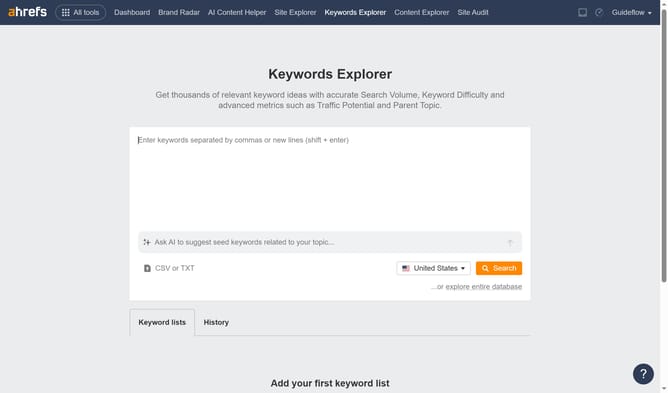
- First click on the "Site Explorer" tab in the top navigation menu
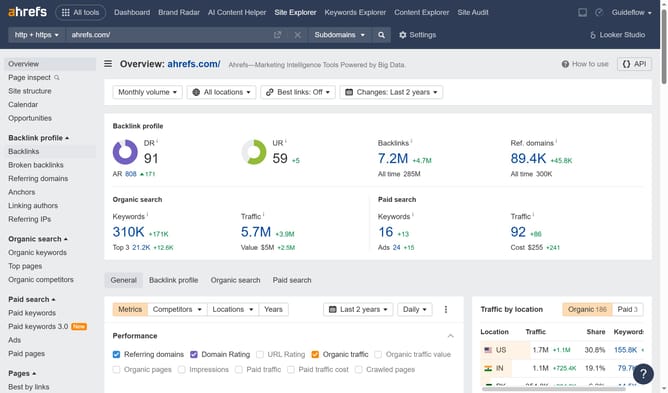
- Enter the domain in the URL search field on the Site Explorer page
- Click the "Search" button to analyze the domain
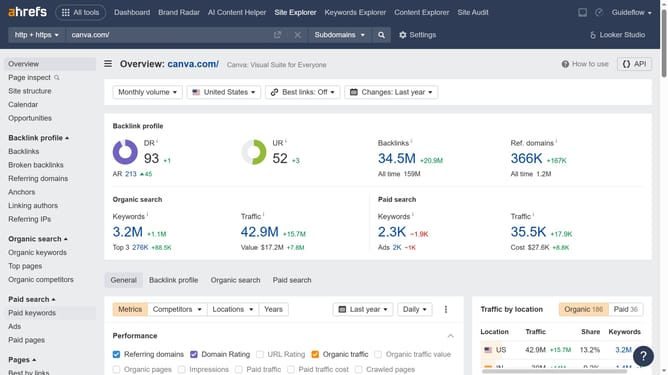
- Click on the "Organic competitors" option in the left sidebar menu
- Finally click on the "Competitive map" dropdown section in the competitors view
Why should you view graphs of organic competitors' metrics in Ahrefs
Ahrefs is a powerful tool designed to enhance SEO strategies by analyzing competitors' digital footprints.
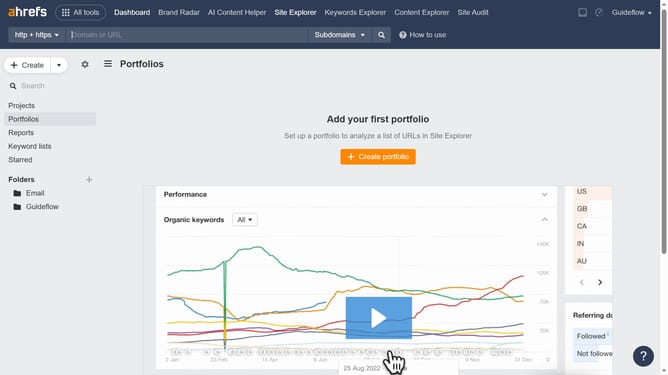
Viewing graphs of organic competitors' metrics in Ahrefs reveals insights into their performance dynamics.
This feature provides a visual snapshot of essential metrics, making data comprehension straightforward.
Monitoring these trends helps identify opportunities to refine your own SEO tactics and stay ahead in the digital landscape.
Last update