How to check ads by country in Ahrefs
Here is how to check ads by country in ahrefs
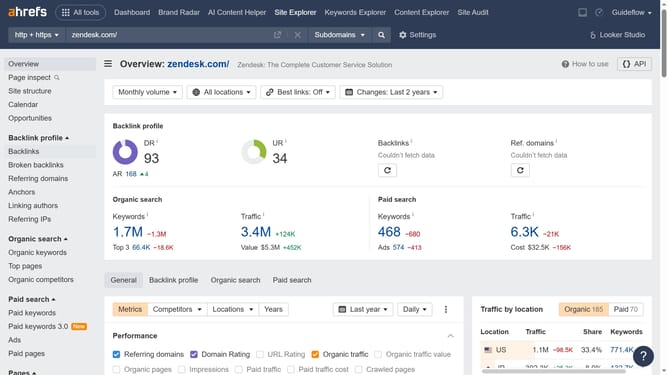
- First click on "Site Explorer" in the top navigation menu
- Next click on the domain input field to enter a URL
- Click the search button to analyze the URL
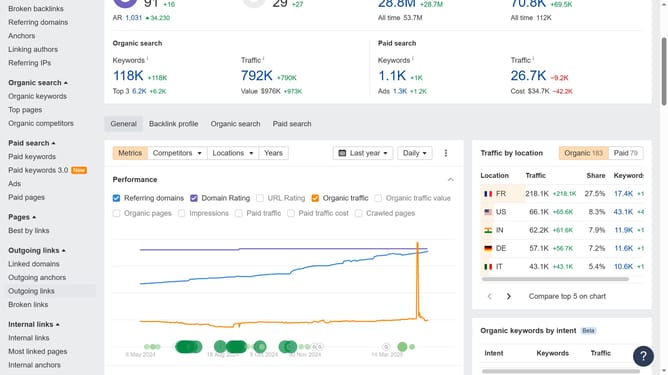
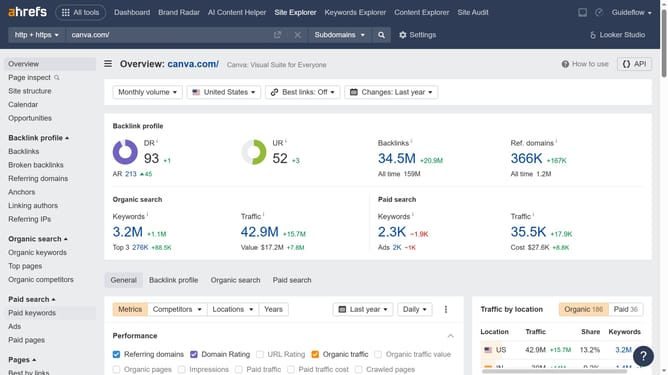
- In the left sidebar, click on "Ads" under the "Paid search" section
- Click on the "Location" dropdown filter in the Ads view
- Click on the preferred location from the dropdown list
- Finally click "Show results" button to apply the new location filter
Why should you check ads by country in Ahrefs
Ahrefs is a powerful tool designed for those who want to enhance their online visibility by analyzing web content efficiently.
One of its standout features is the ability to check ads by country, offering invaluable insights into international advertising strategies. This allows users to tailor their marketing efforts effectively, considering regional preferences and strategies.
By leveraging this information, businesses can optimize ad spend, boost engagement, and drive better results across different markets, gaining a competitive edge globally.
Last update