Ahrefs
Ahrefs is an SEO toolset for backlink analysis, keyword research, and competitive insights.
Website
Industry
SEO
Share this article:

How to track new inbound links in Ahrefs

Here is how to track new inbound links in ahrefs

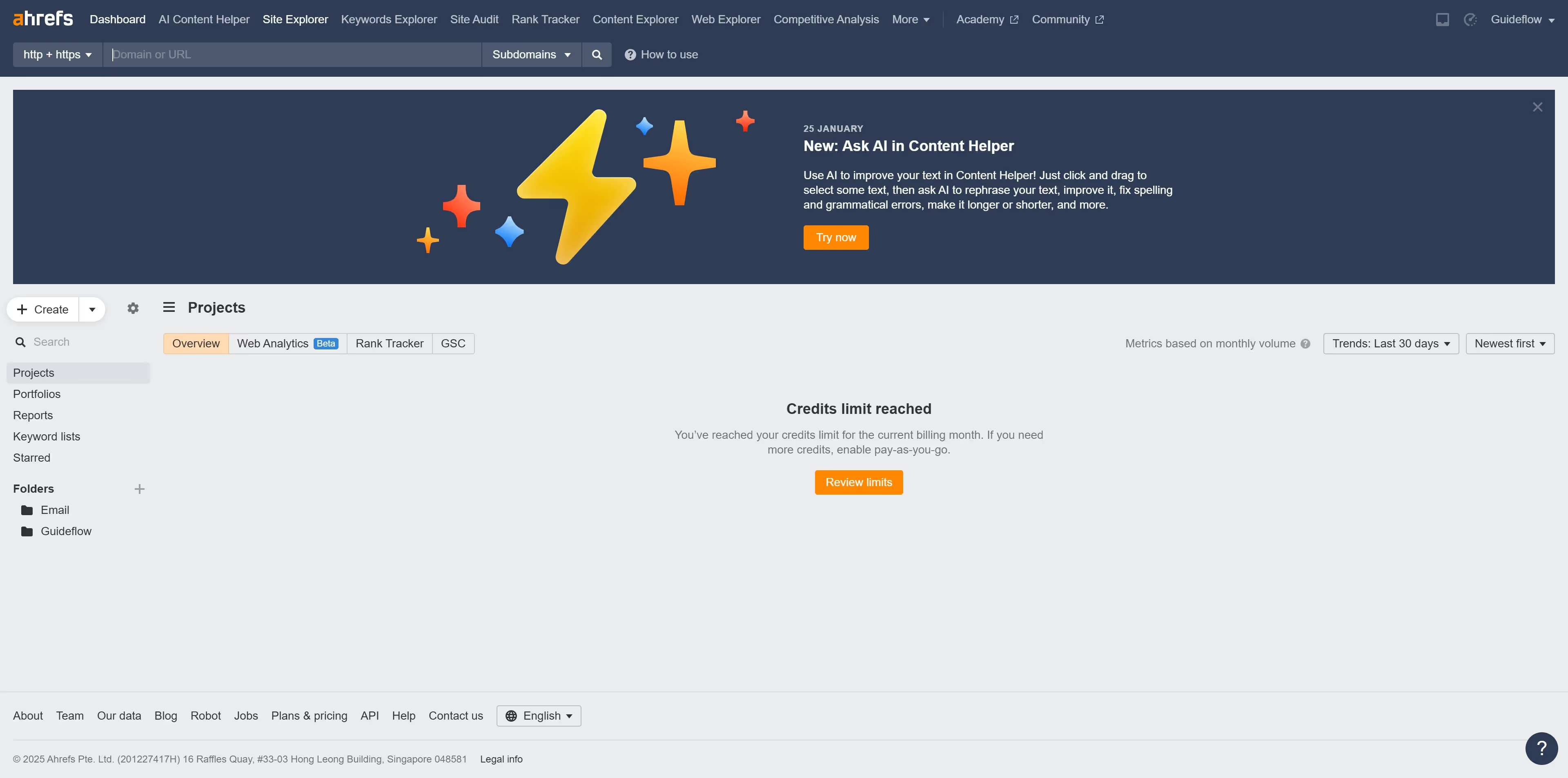
  1. First click on "Site Explorer" in the top navigation menu
  2. In the search field, enter a domain or URL to analyze
  3. Click the "Search" button to analyze the domain or URL
  4. Click on "Backlinks" in the left sidebar menu
  5. Finally click on the "New" option in the filter tab to find new inbound links

Create your own interactive guide with Guideflow

Why should you track new inbound links in Ahrefs

Ahrefs is a powerful tool designed to supercharge your SEO strategy by providing valuable insights into your website's performance.

Tracking new inbound links in Ahrefs gives you an edge by allowing you to monitor how your site is growing in authority and visibility. Discovering fresh links is crucial for identifying new opportunities and enhancing your content strategy efficiently.

With Ahrefs, you gain the ability to react swiftly to changes in your link profile, allowing you to maintain a competitive advantage and proactive approach to your SEO efforts.

By understanding who is linking to your site and why, you can tailor your content and outreach strategies to attract even more quality links, boosting your website's credibility and traffic.


Last update
June 16, 2026
Cursor MariaA cursor points to a button labeled "James."

Create your first demo in less than 30 seconds.