How to export keyword difficulty reports using Keywords Explorer in Ahrefs
Here is how to export keyword difficulty reports using keywords explorer in ahrefs
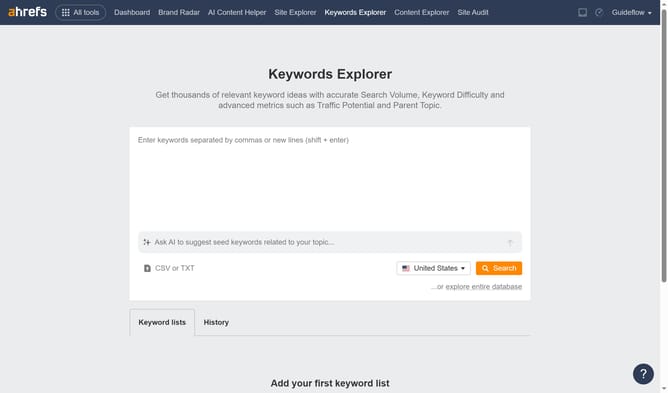
- First click on "Keywords Explorer" in the top navigation menu
- Then click in the main keyword input field and enter the keyword you want to analyze
- Then click the "Search" button in the top right of the search panel
- Then click the "More actions" button in the Keyword Difficulty widget
- Finally click the "Export" option in the Keyword Difficulty widget's menu
Why should you export keyword difficulty reports using Keywords Explorer in Ahrefs
Ahrefs is a powerful tool designed to enhance your SEO strategy by offering insightful data analysis and competitor insights.
Exporting keyword difficulty reports using Keywords Explorer in Ahrefs is a game-changer for marketers. It allows you to transform complex data into manageable formats for deeper analysis and strategic planning.
With this feature, you can efficiently prioritize keywords based on their ranking challenges, enhancing your ability to choose the right battles to fight in the digital landscape.
Last update