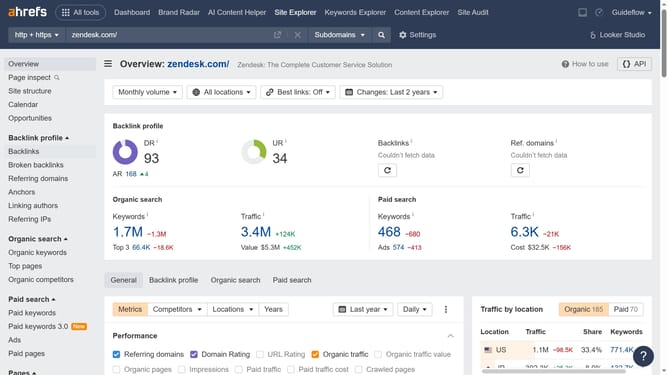
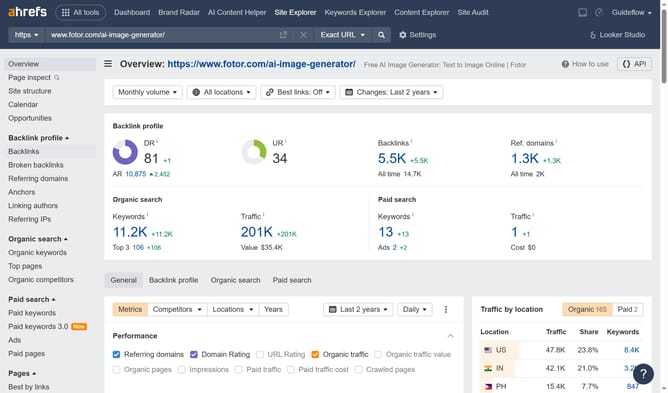
How to find not found status inbound links in Ahrefs
Here is how to find not found status inbound links in ahrefs
- First click on the "Backlinks" option in the left sidebar menu
- Then click on the "Lost" tab in the backlinks filter panel
- Next click on the "Status" dropdown filter in the top filter bar
- Finally select "Not found" option from the Status dropdown menu
Why should you find not found status inbound links in Ahrefs
Ahrefs is a comprehensive SEO tool designed to enhance your website's visibility and performance.
One of its standout features is the ability to identify inbound links with a 'not found' status. Recognizing these links is crucial, as they highlight broken pathways directing users to your website. Addressing these can enhance user experience and preserve the value of your inbound link profile.
Utilizing this feature means ensuring potential traffic finds its way to the right content, ultimately boosting your site's authority and search engine ranking.
Last update